SpO2 Monitoring (Optional)
Using SpO2 to Monitor a Patient
6-7
Start Monitoring
Turn the defibrillator on, if necessary, by turning the Energy Select control to
Monitor On. Press the button to display the SpO
2
reading in the upper
right corner of the display.
SpO
2
Readings
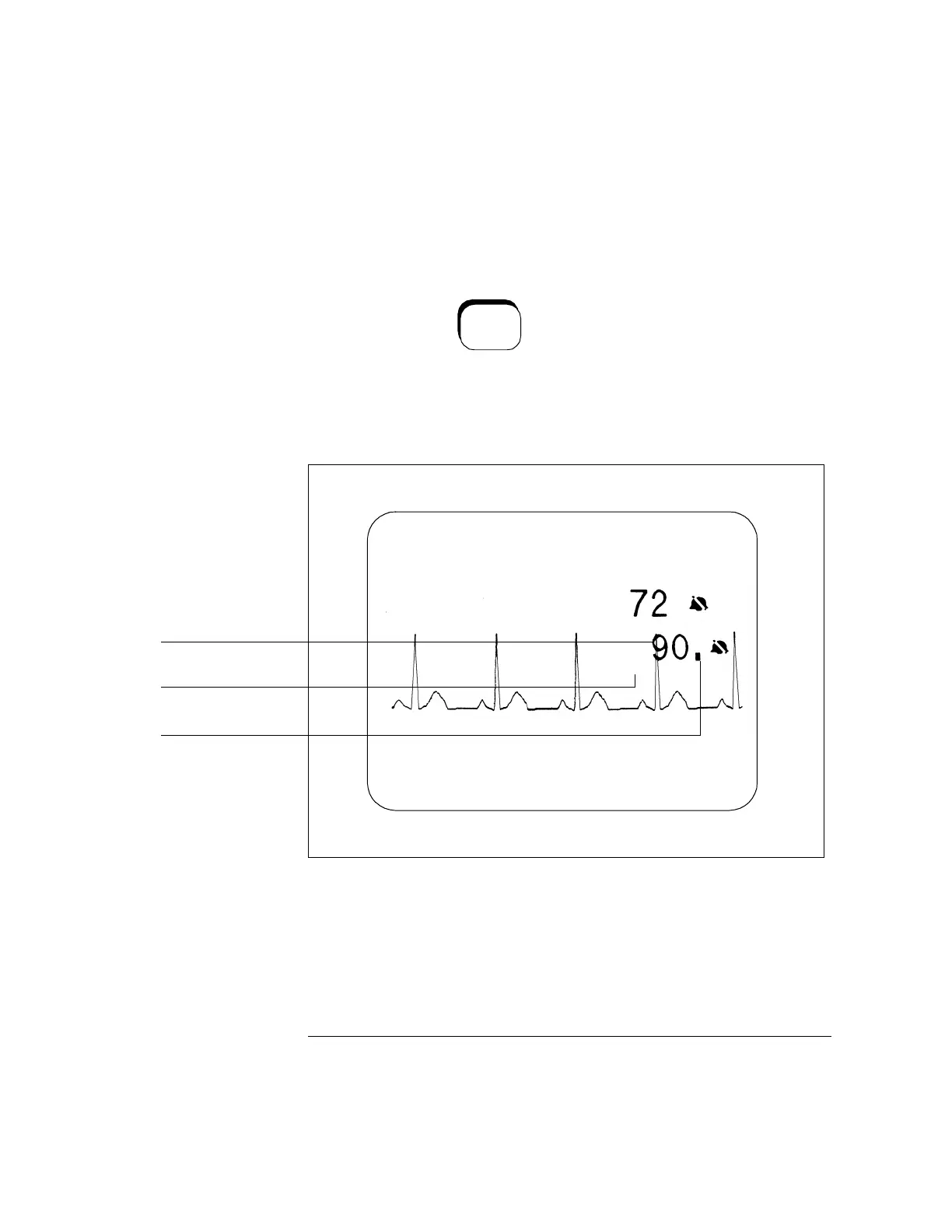
Figure 6-4
CodeMaster XL+ display with SpO
2
reading
The pulse amplitude indicator shows the quality of the SpO
2
signal. Since it is
derived from the patient’s plethysmograph signal, it varies with the pulse of the
patient. If the patient has a very low signal the pulse amplitude indicator does not
vary through its full range. If the signal is noisy, the pulse amplitude indicator does
not vary rhythmically with the pulse.
SpO
2
On/Off
SpO2 reading
Pulse amplitude indicator
Pulse rate
HR
LEAD I I
SPO2
PR 72



 To Next Page