●
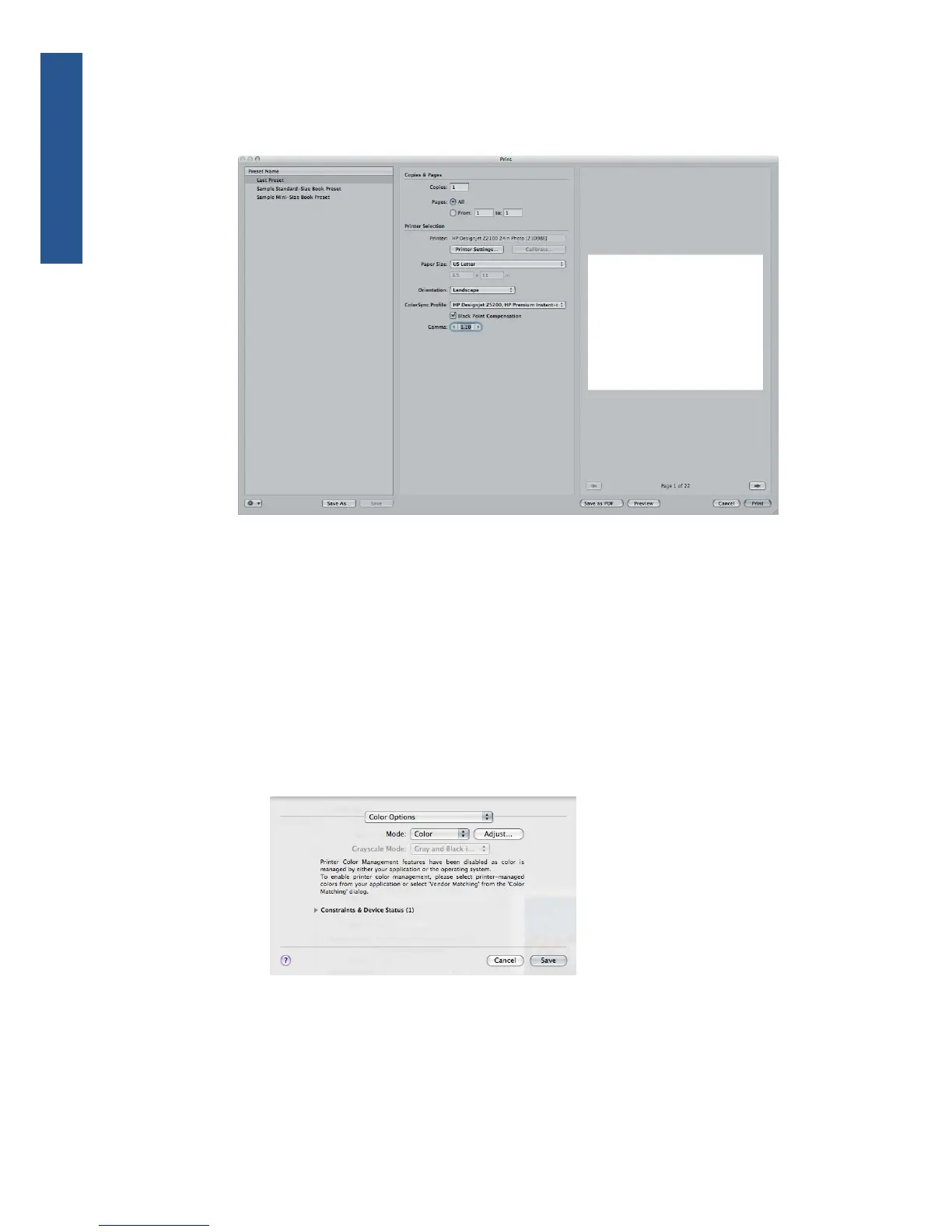
Gamma: Because computer displays are illuminated, images displayed on computers tend
to look more luminous than when printed. Increasing the Gamma from the default of 1.0
can compensate for this. Usually, a setting 1.1 to 1.2 is adequate.
8. Click the Printer Settings button.
●
Printer: select the printer (for example, HP Designjet Z5200ps Photo).
●
Select Paper/Quality from the drop-down menu.
◦
Paper Type: select the paper type that is currently loaded into the printer (or Any).
◦
Quality Options: select Standard and drag the slider to Quality.
●
Select Color Options from the drop-down menu.
◦
Select Color mode.
◦
You will not see a color management option because the driver knows that color is
being managed by the application.
●
Click Print.
90 Chapter 6 Color management ENWW
Color management



 To Next Page