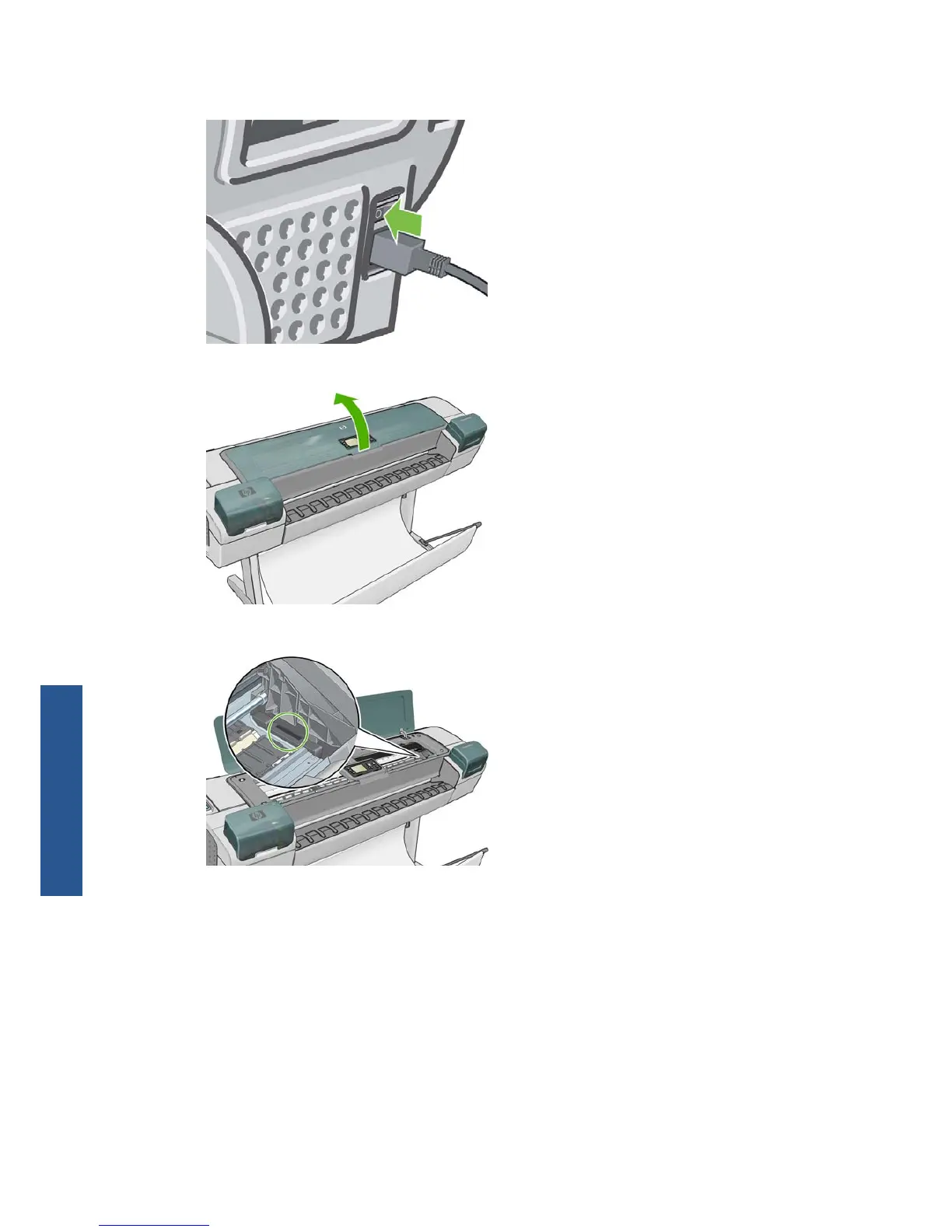
2. To avoid an electric shock, switch the printer off and unplugged it.
3. Open the transparent window.
4. Find the printhead drop detector beside the stored printhead carriage.
5. Remove any debris blocking the printhead drop detector.
162 Chapter 14 Troubleshooting ink cartridge and printhead issues ENWW
Ink system issues



 To Next Page