●
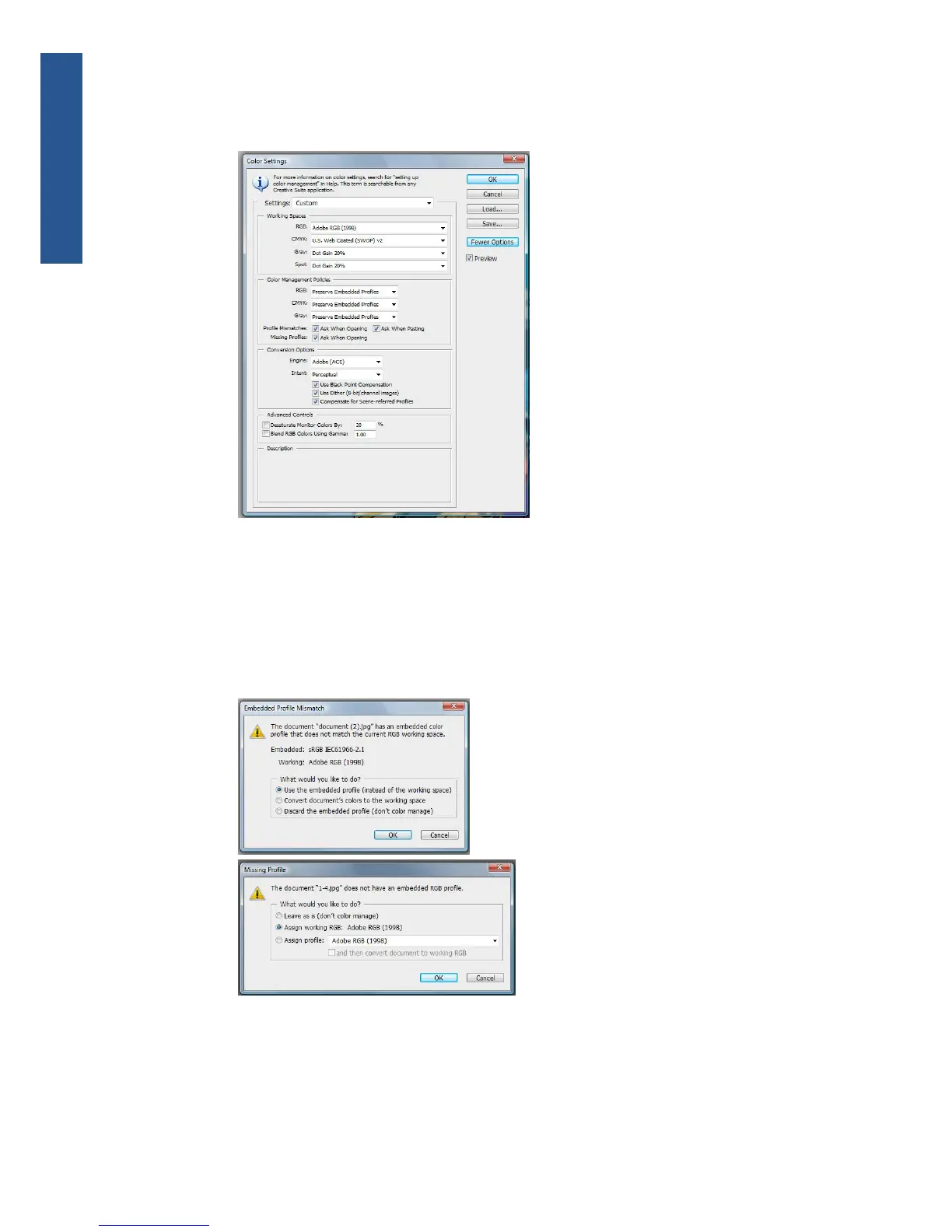
Missing Profiles: check Ask When Opening.
●
Conversion Options > Intent: select Perceptual.
●
Click OK.
4. From the File menu, select Open to open the image.
●
If the document has an embedded color profile that does not match the current working
space, select Use the embedded profile. Otherwise, select Assign working space; in this
case, if the displayed image does not look correct, try assigning it to other color spaces with
Edit > Assign Profile (try sRGB, Adobe RGB, ColorMatch RGB and others) until you are
satisfied.
●
Click OK.
76 Chapter 6 Color management ENWW
Color management



 To Next Page