66
5.
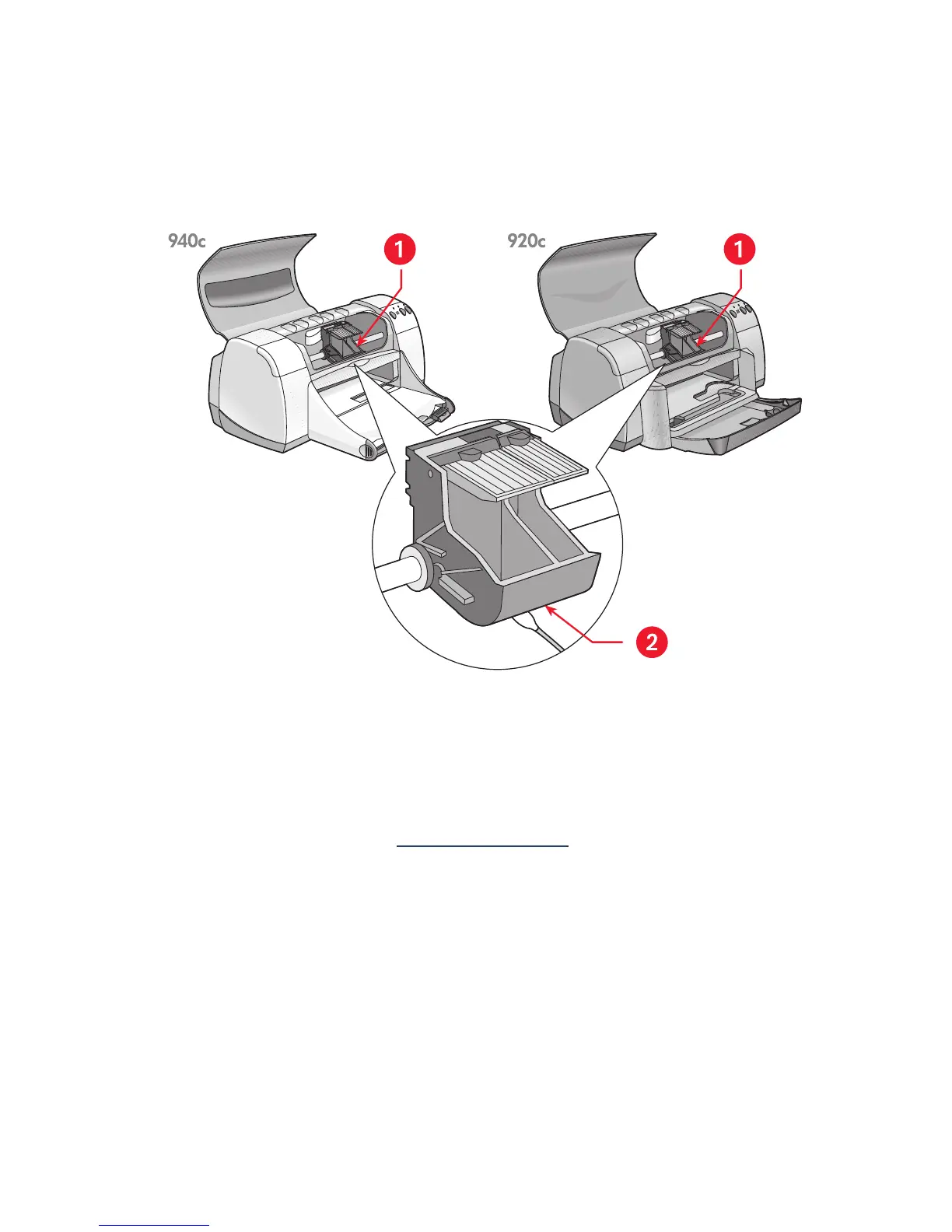
Wipe the underside of the print cartridge cradle walls using clean,
moistened cotton swabs.
Repeat this process until no ink residue appears on a clean swab.
1. print cartridge cradle 2. cradle wall
6.
Reinsert the print cartridges and close the printer’s top cover.
7.
Reconnect the power cord to the back of the printer.
8.
Print a test page from the HP Deskjet Toolbox by selecting the Printer
Services tab and clicking
Print a Test Page
.
9.
Repeat the cleaning procedure if smeared ink still appears on the
printouts.


 To Next Page
 Loading...
