b. Rotate the top of the display panel downward (1).
c. Lift the tape that secure the display cable connector on the panel (2), and then disconnect the
cable (3) from the connector (4).
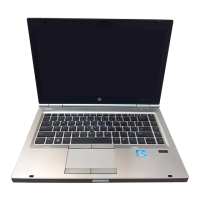
NOTE: For this procedure the display will not be connected to the computer as shown in
the following image.
Component replacement procedures
81


 To Next Page
 Loading...