Label Description
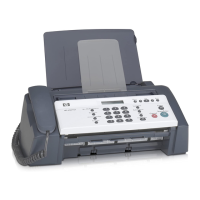
11 Handset (handset model only)
12 Power connection
13 2-EXT (phone) and 1-LINE (fax) ports
14 Rear door
15 Rear door access tab
Control panel features
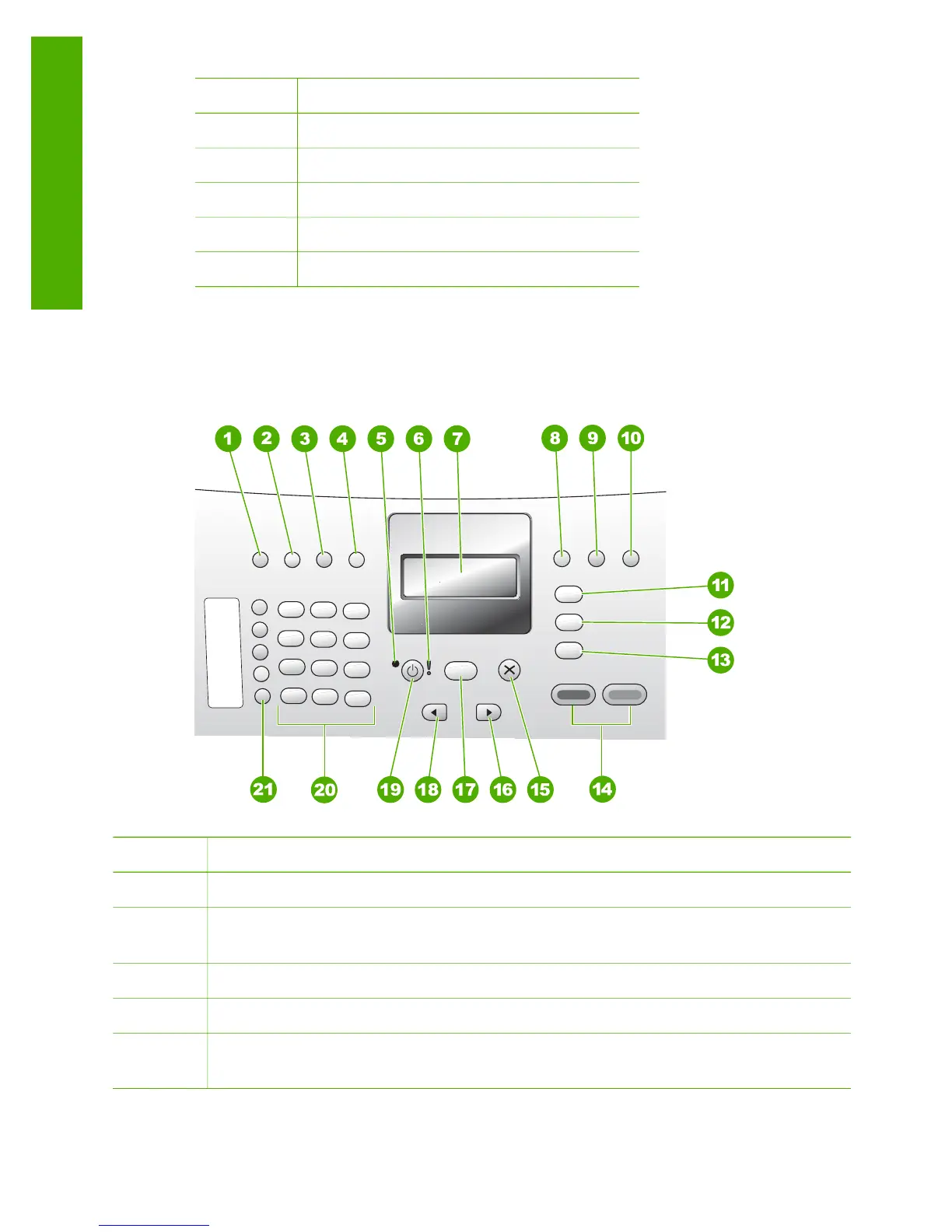
The following diagram and related table provide a quick reference to the HP Fax
control panel features.
Label Name and Description
1
Speed Dial: Selects a speed dial number.
2 Redial/Pause: Redials the most recently dialed number or inserts a 3-second
pause in a fax number.
3
Lighter / Darker: Lightens or darkens black-and-white faxes being sent.
4
Fax Resolution: Adjusts the resolution for black-and-white faxes being sent.
5 On light: Indicates, when lighted, that the HP Fax is on. The light blinks when the
HP Fax is performing a task.
Chapter 1
(continued)
4
HP Fax 1250 series
Overview



 To Next Page
 Loading...