To Next Page
S
Steven Thomas MDSep 14, 2025
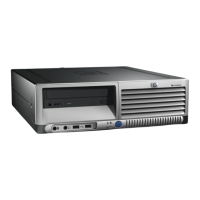
Why can't my HP HB4 diskette drive save (write) information to the diskette?
- CCasey CookSep 14, 2025
If your HP Desktop diskette drive can't save information, the diskette may be full or the file is too big; try using another diskette or compress the file. The diskette might be write-protected; slide the write-protection tab to the unlocked position. When saving, verify you're using the correct drive letter. The diskette might also be damaged, so try replacing it. Finally, the diskette might not be formatted; to format it, go to My Computer, right-click the 3½ Floppy (A:) icon, select Format, choose your settings, and click Start.
 General