10
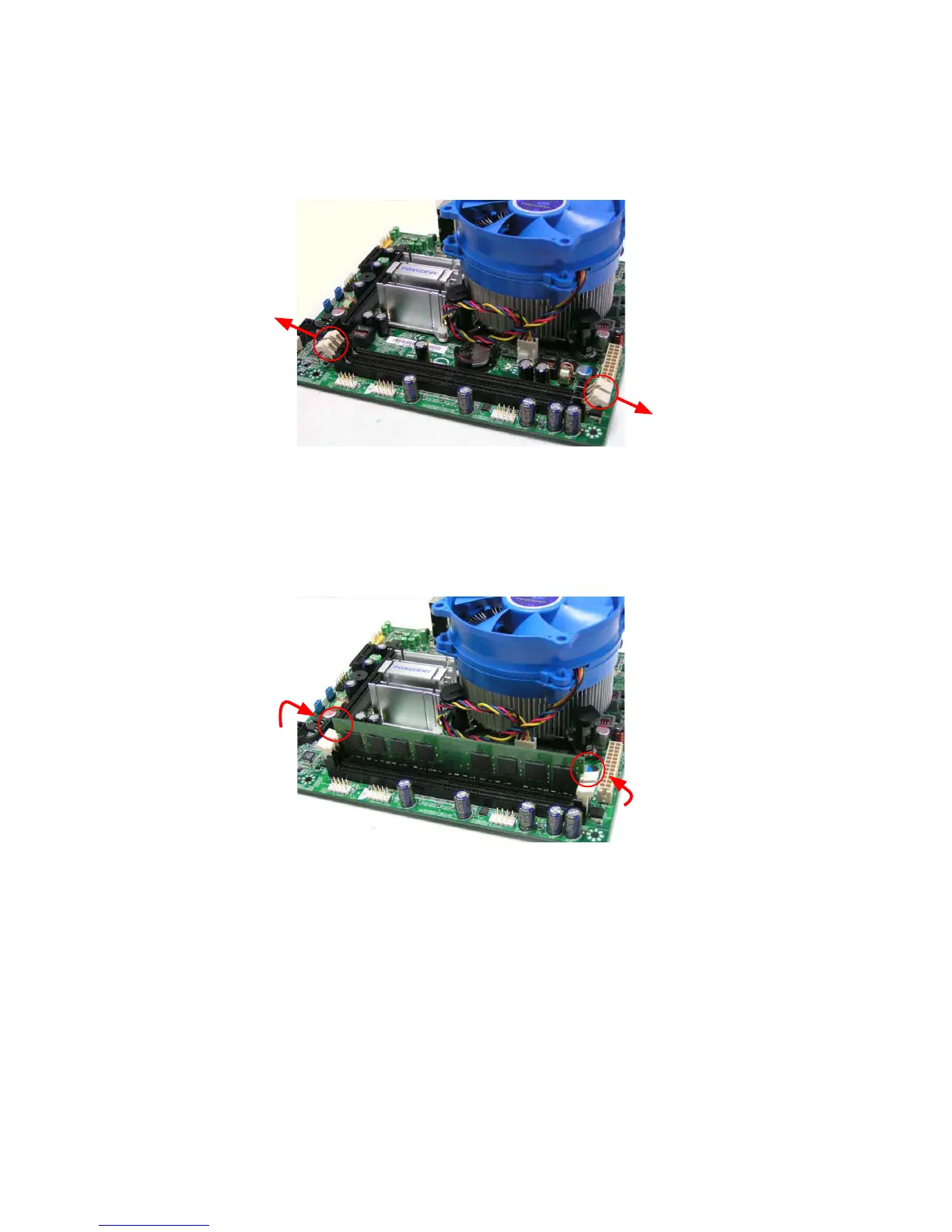
Step 1:
Spread the clips at both ends of the memory socket. Place the memory
module onto the socket, then put your ngers on top edge of the module, and
push it down rmly and seat it vertically into the memory socket.
Step 2:
The clips at both ends of the socket will snap into place when the memory
module is securely inserted.



 To Next Page