18
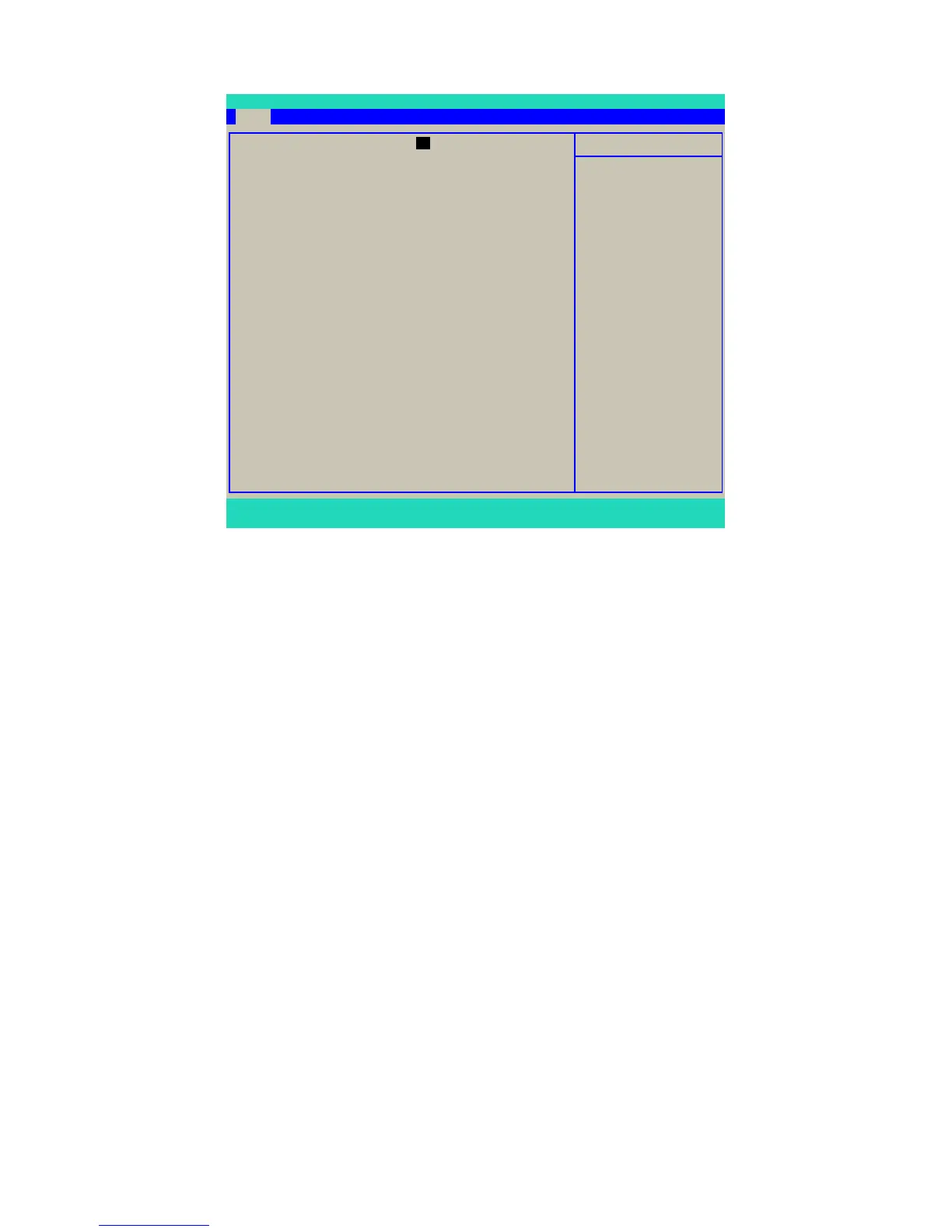
Main Menu
► System Time
This item allows you to congure the desired time. Use [TAB] or <Enter> key to select a eld.
Directly key in number for the value.
The three elds of the setting are <hour> : <minute> : <second> respectively. Hour ranges
from 0 to 23.
► System Date
<weekday><month><date> <year> format.
Day—weekday from Sun. to Sat., a Read Only message.
Month—month from 1 to 12.
Date—date from 1st to 31st.
Year—year, set up by users.
Use [ENTER], [TAB] to select a eld. Directly key in number for the value.
► Language
Five languages supported by BIOS - English, French, Spanish, Portugal and Japanese.
► 1st Drive / 2nd Drive
These categories identify the SATA devices such as hard disk or CD/DVD drives installed
in your system. It informs you about the drives information, their capacities, transfer modes
(UDMA 5, PIO, SATA) and S.M.A.R.T. technology support. S.M.A.R.T is a technology which
monitoring your HDD. It is useful when something goes wrong. If hard disk detects any
problem then you are informed.
System Time 10 : 18 : 59 Item Help
System Date Wed, 10 17 2007
Menu Level ►
Language [English] <Tab> or <Enter>
selects eld.
► 1st Drive [SAMSUNG HD081GJ]
► 2nd Drive [None]
Installed Memory 1024MB/PC2-5300 Single
Memory Bank 1 1024MB DDR2 SDRAM
Memory Bank 2 Not Installed
Core Version 6.00
BIOS Revision 0.65 10/12/07
Model Number
Product Number
Build ID
F1:Help F5:Setup Defaults F10:Save and Exit ESC:Exit
Main Advanced Power Boot Exit
Phoenix - AwardBIOS CMOS Setup Utility
10
Main
F1:Help F5:Setup Defaults F10:Save and Exit ESC:Exit



 To Next Page