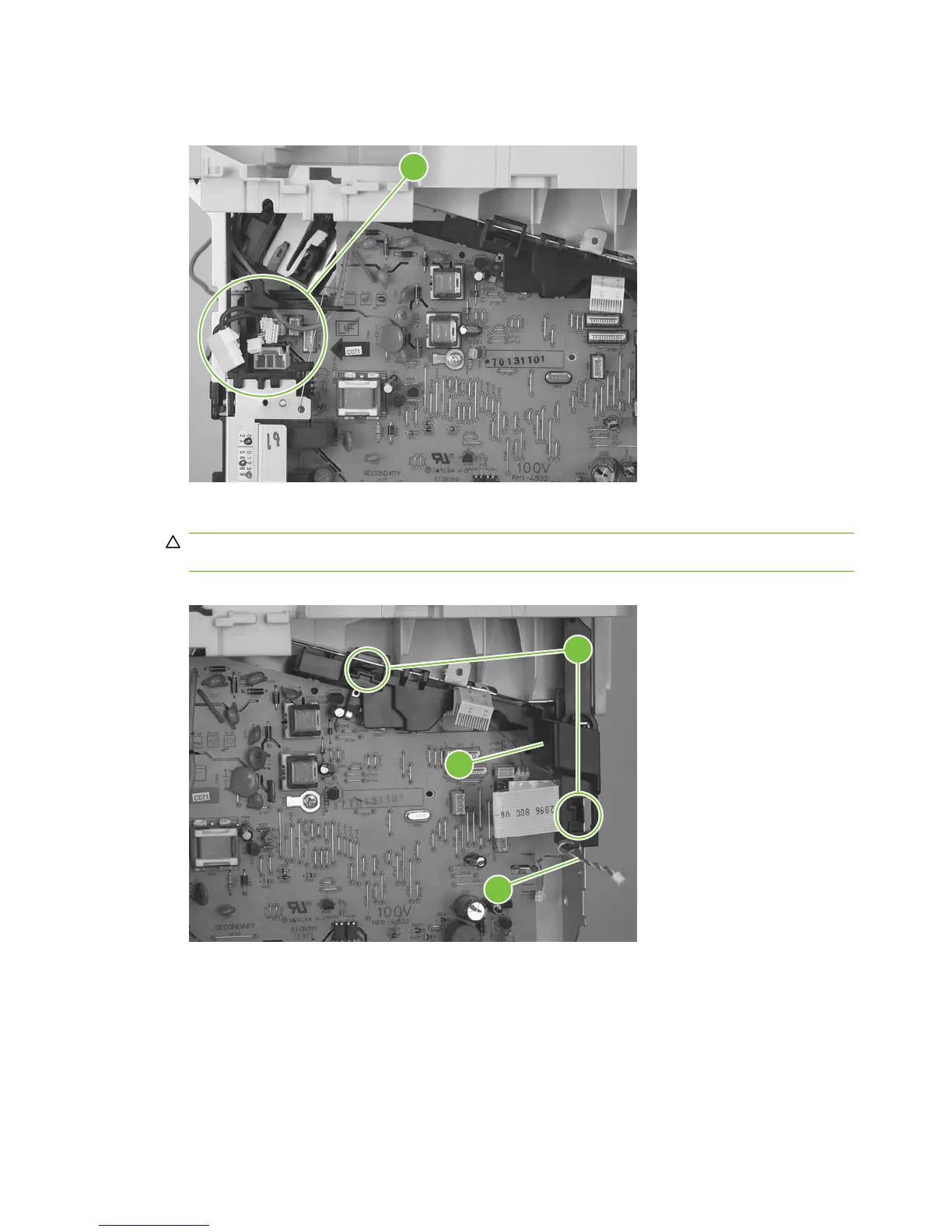
6. Release the wire harness from the retainer (callout 8) on the power supply.
Figure 5-55 Remove the power supply (5 of 7)
8
7. Unclip two clips (callout 9) and remove one plastic bracket (callout 10).
CAUTION: The wire harness (callout 11) attached to the bracket is not captive. Do not lose this
wire harness when the bracket is removed.
Figure 5-56 Remove the power supply (7 of 7)
9
11
10
84 Chapter 5 Removal and replacement ENWW



 To Next Page