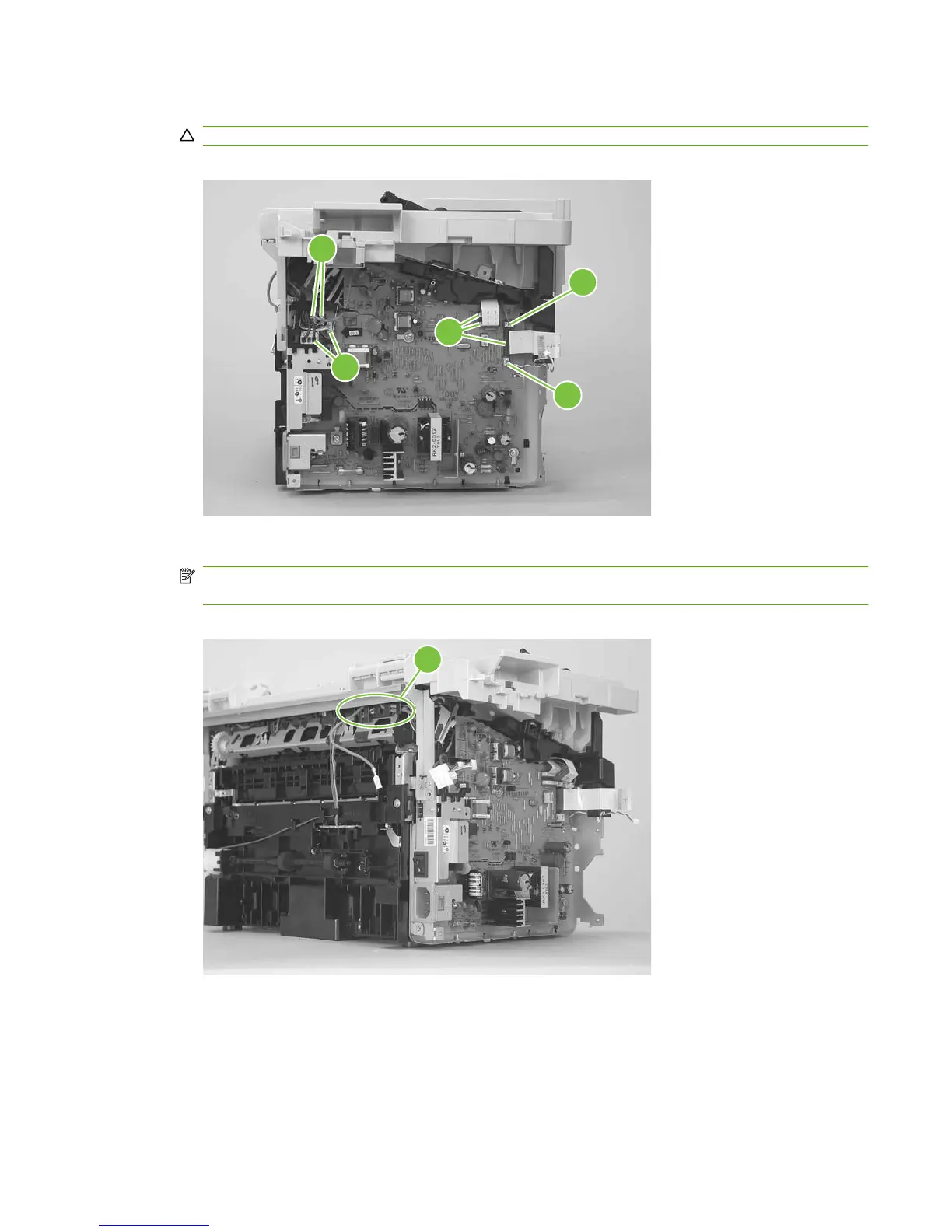
4. Disconnect three FFCs (callout 5) and six wire-harness connectors (callout 6).
CAUTION: Do not bend or fold the FFCs during the removal or reinstallation process.
Figure 5-53 Remove the power supply (3 of 7)
6
6
6
5
6
5. Release the ground wire from the retainer (callout 7) on the product chassis.
NOTE: You might need to slightly pry up on the scanner support frame to release the wire from
the retainer.
Figure 5-54 Remove the power supply (4 of 7)
7
ENWW Product base 83



 To Next Page