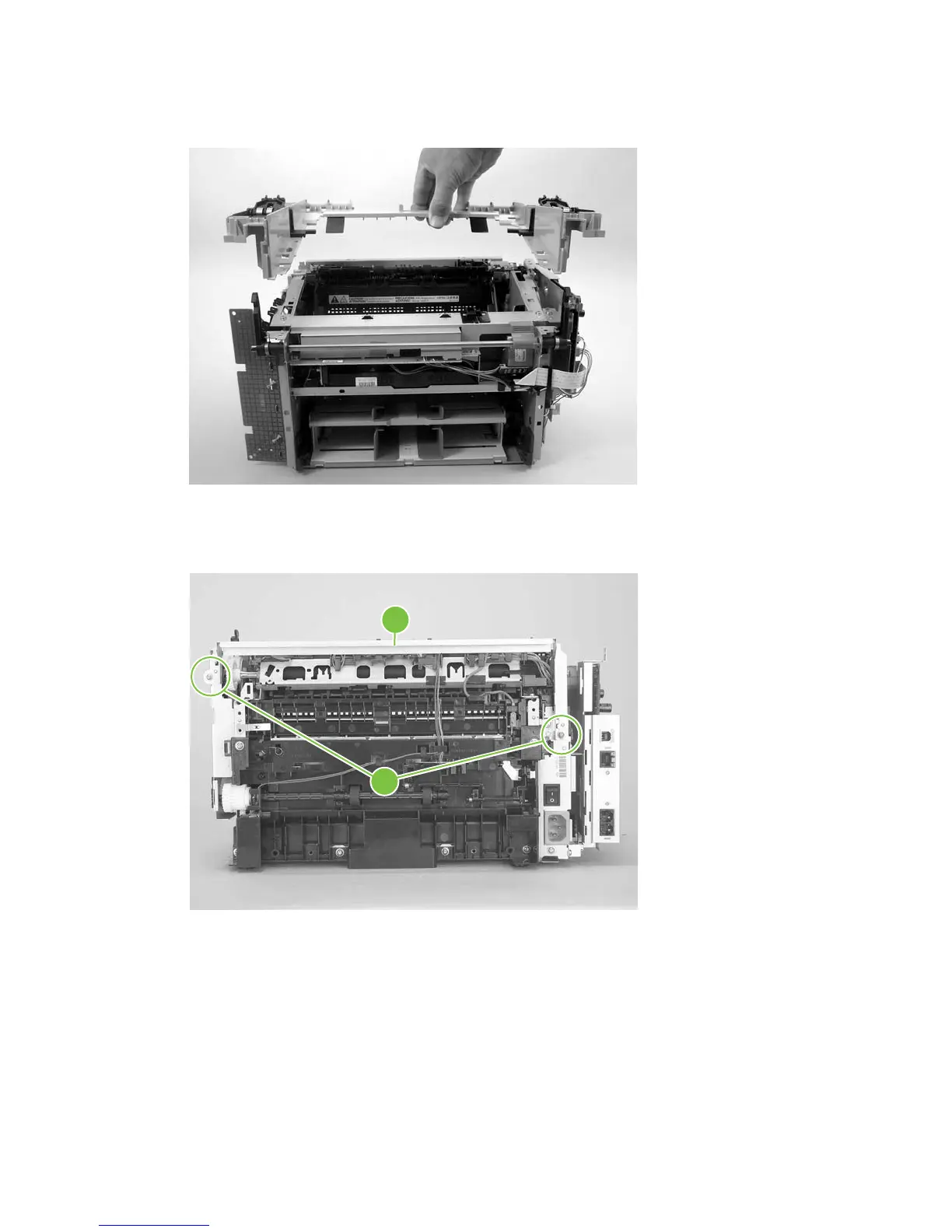
5. Lift the scanner support frame up and off of the product.
Figure 5-61 Remove the scanner support frame (4 of 5)
6. If you are removing the scanner support frame to gain access to the fuser, remove two screws
(callout 5) and the chassis reinforcement bracket (callout 6).
Figure 5-62 Remove the scanner support frame (5 of 5)
5
6
88 Chapter 5 Removal and replacement ENWW



 To Next Page