Separation pad
1. Position the product with the rear side facing you.
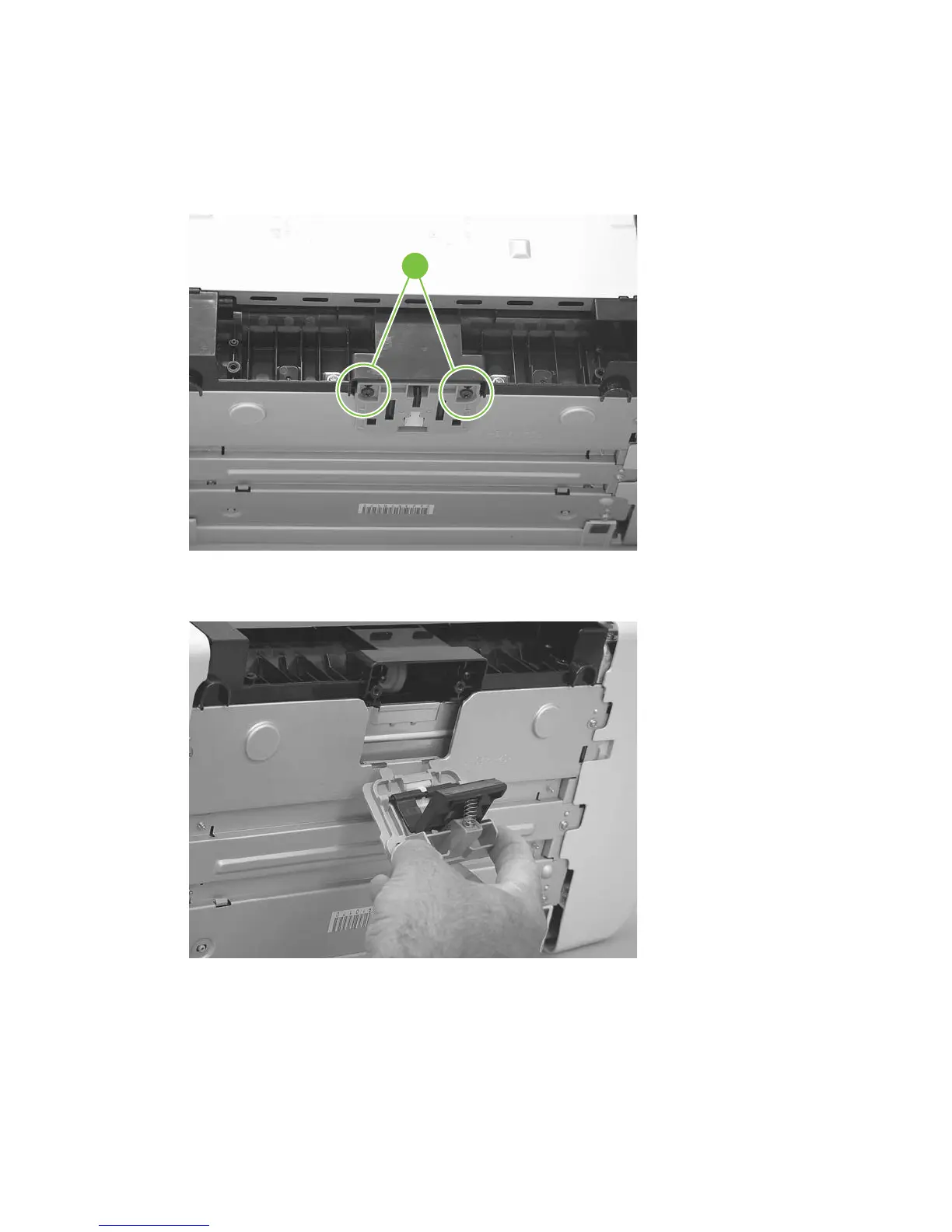
2. Support the product and tip it forward. Remove two screws (callout 1).
Figure 5-25 Remove the separation pad (1 of 2)
1
3. Remove the separation pad and frame.
Figure 5-26 Remove the separation pad (2 of 2)
66 Chapter 5 Removal and replacement ENWW



 To Next Page