Pickup roller
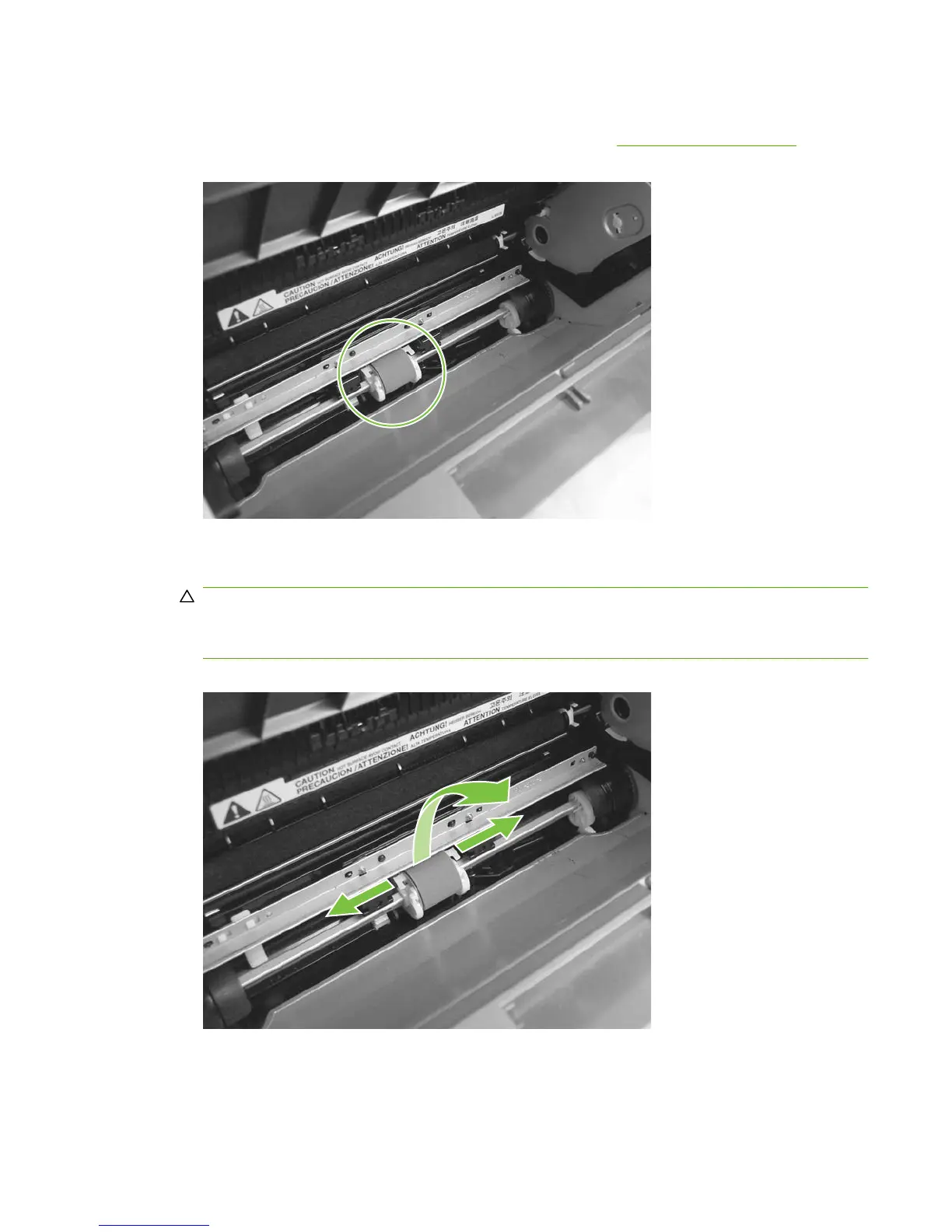
1. Remove the print cartridge and locate the pickup roller. See Print cartridge on page 65.
Figure 5-27 Remove the pickup roller (1 of 5)
2. Gently release the small, white tabs on each side of the pickup roller by pushing them away from
the roller, and then rotate the roller away from the mounting frame.
CAUTION: Do not touch the black-sponge transfer roller inside the product. Touching the transfer
roller can damage the product.
Use gentle pressure to release the small white tabs to avoid breaking them.
Figure 5-28 Remove the pickup roller (2 of 5)
ENWW Product base 67



 To Next Page