Side covers
NOTE: The procedure for removing the right-side and left-side covers is identical. The right-side cover
is shown in the following procedure.
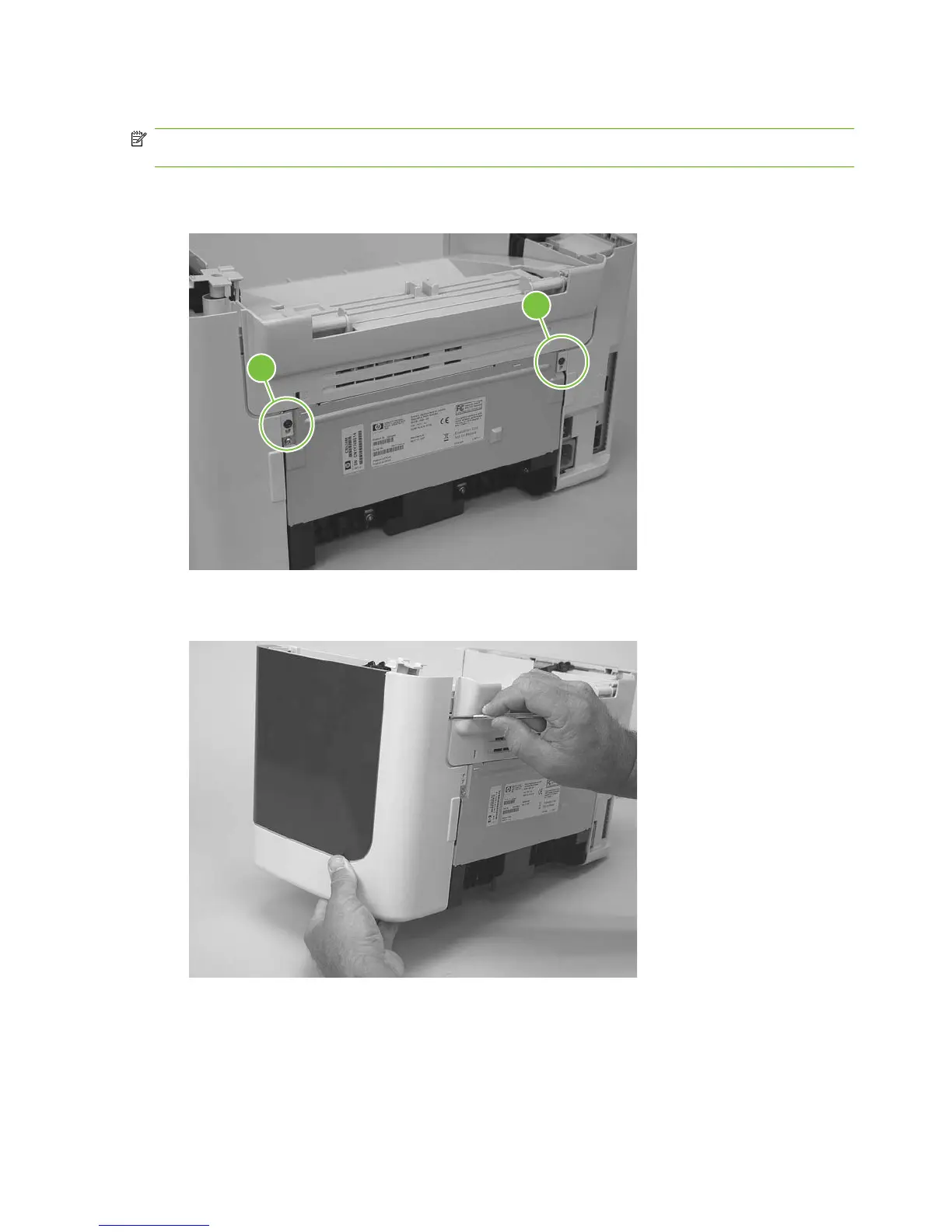
1. Remove one screw (callout 1). Callout 2 is the left-side cover screw.
Figure 5-37 Remove the side covers (1 of 4)
2
1
2. Release the locking tab on the back of the cover.
Figure 5-38 Remove the side covers (2 of 4)
74 Chapter 5 Removal and replacement ENWW



 To Next Page