Formatter
CAUTION: The formatter is an ESD-sensitive device.
1. Remove the left cover. See Side covers on page 74.
2. Disconnect all FFCs and wire harnesses from the formatter.
CAUTION: Do not bend or fold the FFCs during the removal or reinstallation process.
NOTE: The scanner assembly is shown removed in this procedure. If the scanner assembly is
installed, there will be additional FFCs connected to the formatter. You do not need to remove the
scanner assembly to remove the formatter.
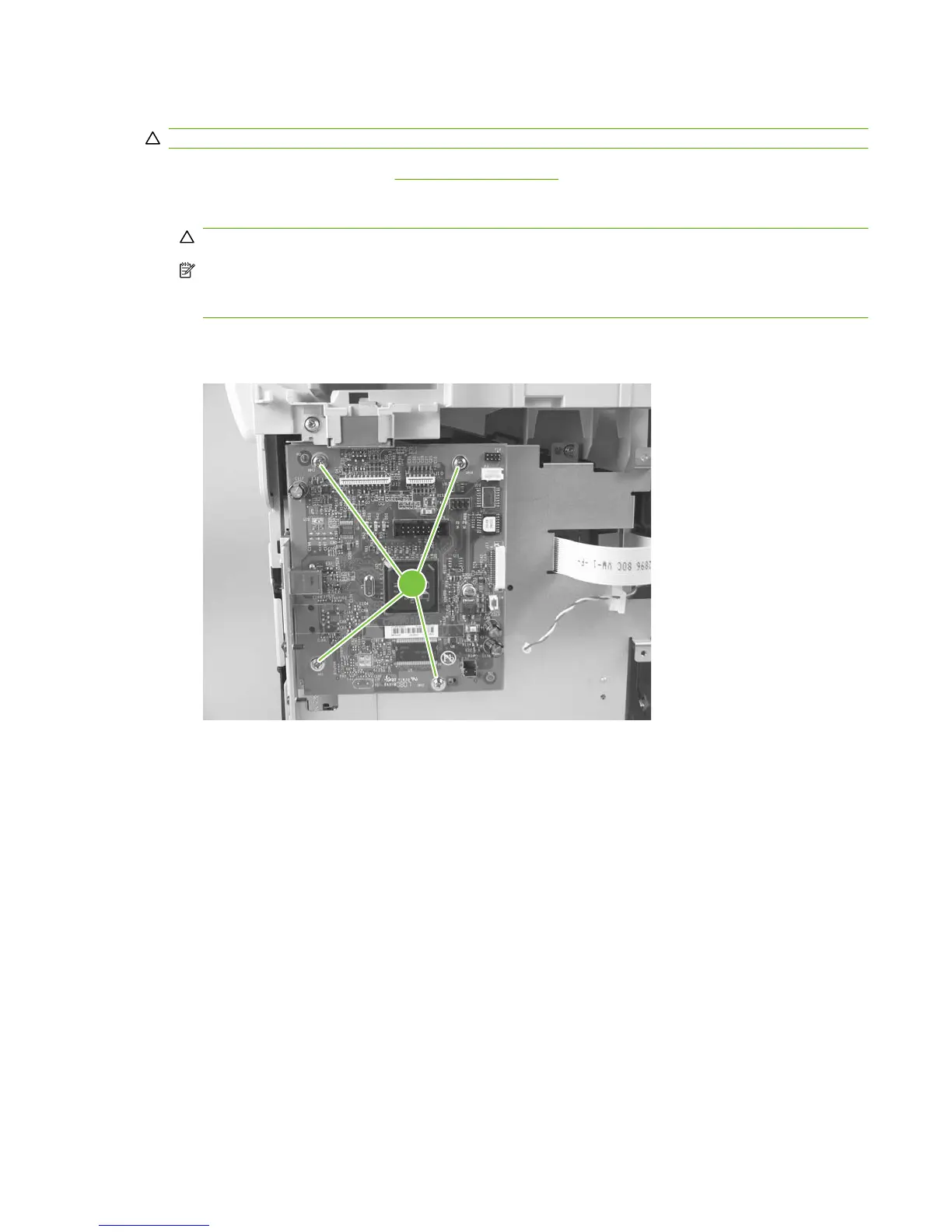
3. Remove four screws from the formatter PCA (callout 1). Remove the formatter.
Figure 5-50 Remove the formatter
1
ENWW Product base 81



 To Next Page