Scanner assembly
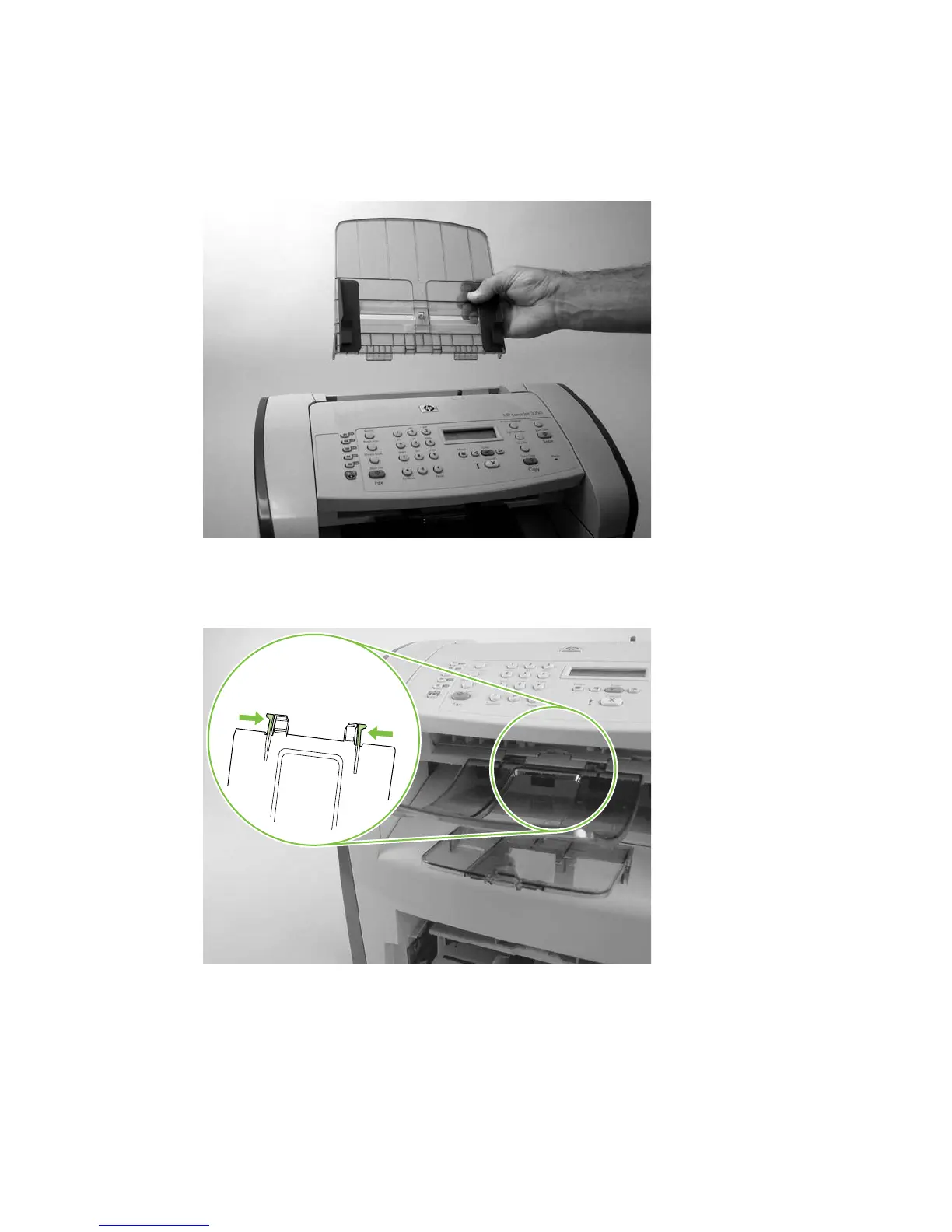
1. Rotate the ADF input tray assembly toward the front of the product, and then lift it up and off of the
product.
Figure 6-20 Removing the scanner assembly (1 of 14)
2. Rotate the ADF output bin up and then squeeze the locking tabs until the they clear the mounting
holes in the scanner assembly.
Figure 6-21 Removing the scanner assembly (2 of 14)
ENWW Scanner assemblies 85



 To Next Page