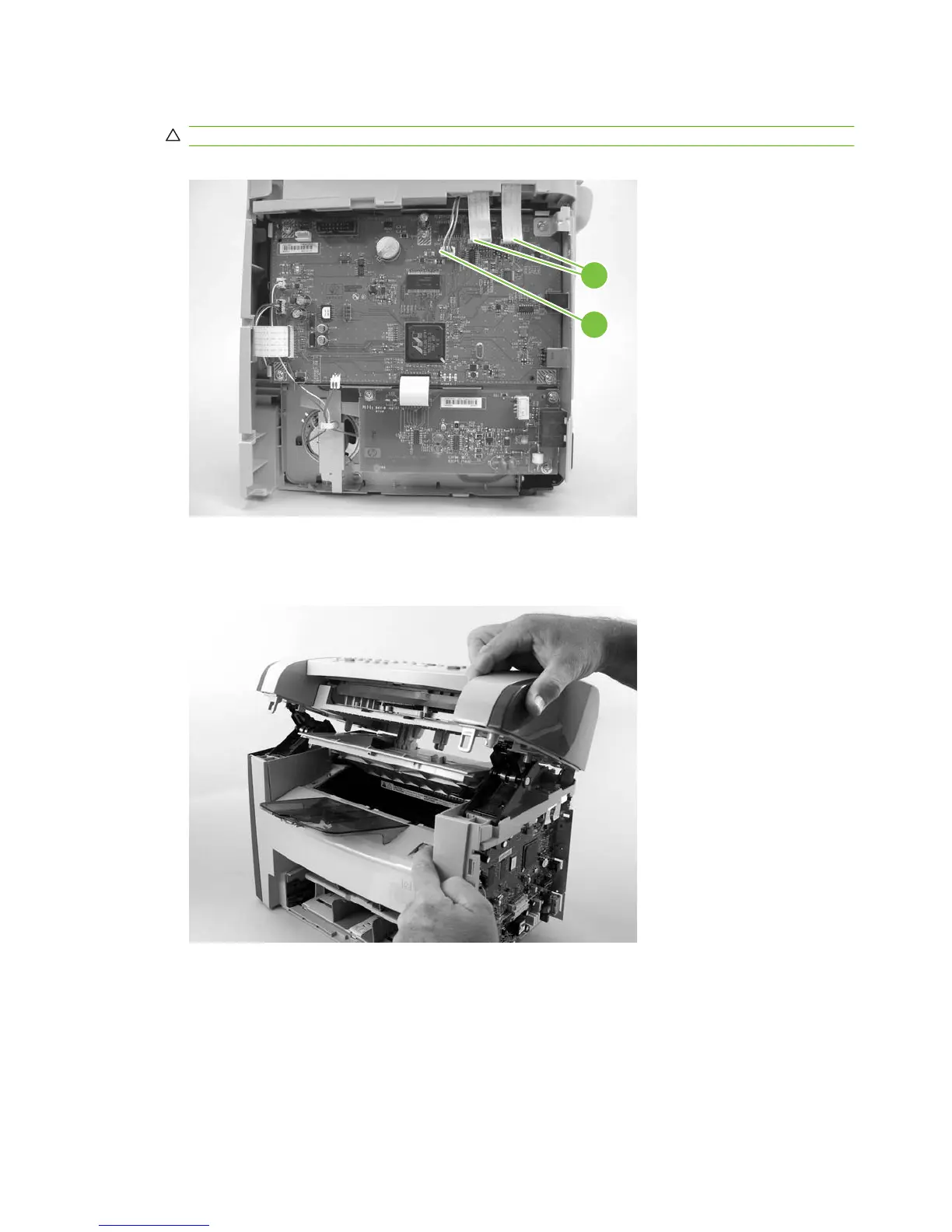
7. Disconnect two flat, flexible cables (FFCs; callout 3) and one wire-harness connector (callout 4).
CAUTION: Do not bend or fold the FFCs during the removal or reinstallation process.
Figure 6-26 Removing the scanner assembly (7 of 14)
3
4
8. Push the blue print-cartridge-door release button and then raise the scanner assembly until it locks
open.
Figure 6-27 Removing the scanner assembly (8 of 14)
88 Chapter 6 Removal and replacement ENWW



 To Next Page