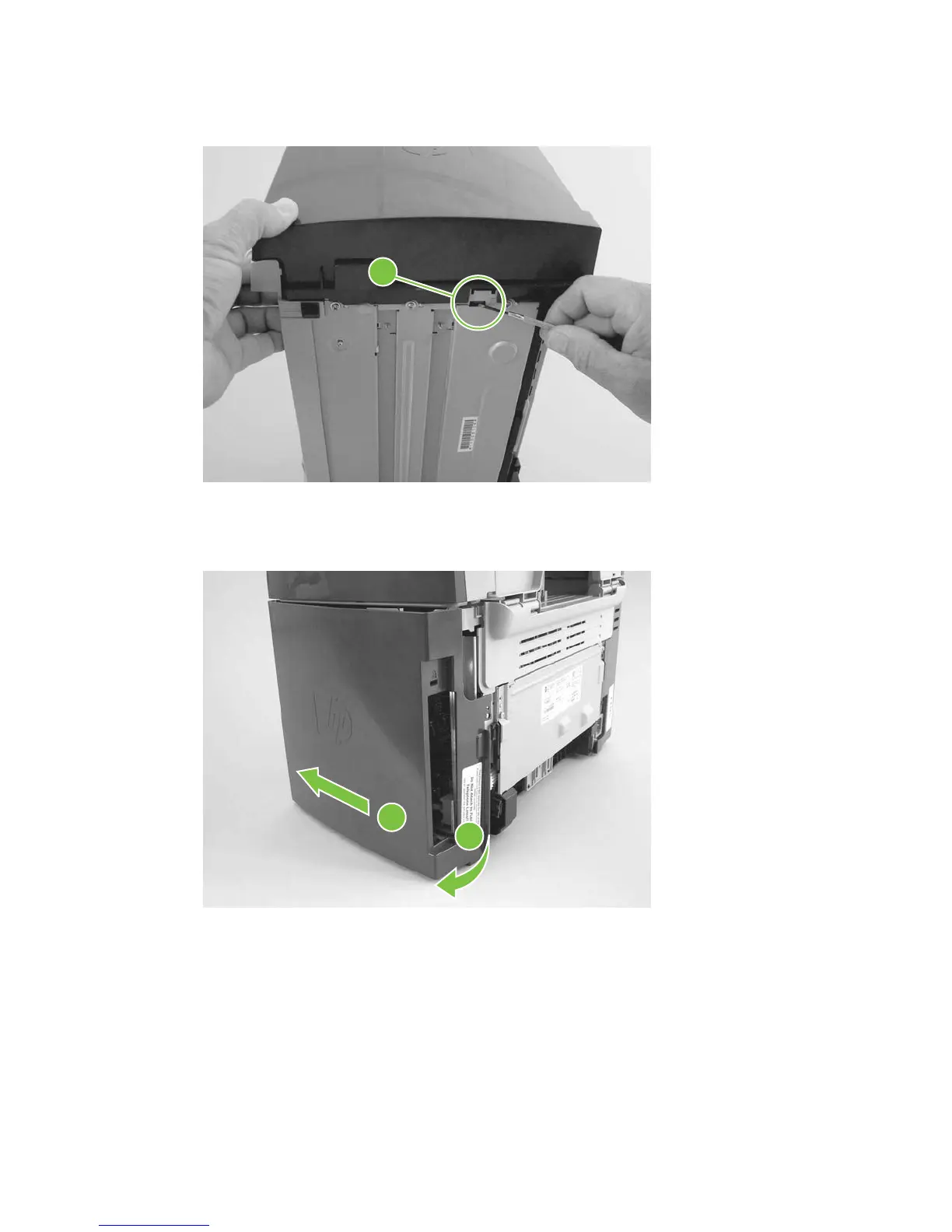
5. Release the bottom tab (callout 2).
Figure 6-24 Removing the scanner assembly (5 of 14)
2
6. Rotate the back side of the cover away from the product, and then slide the cover toward the front
of the product to remove it
Figure 6-25 Removing the scanner assembly (6 of 14)
2
1
ENWW Scanner assemblies 87



 To Next Page