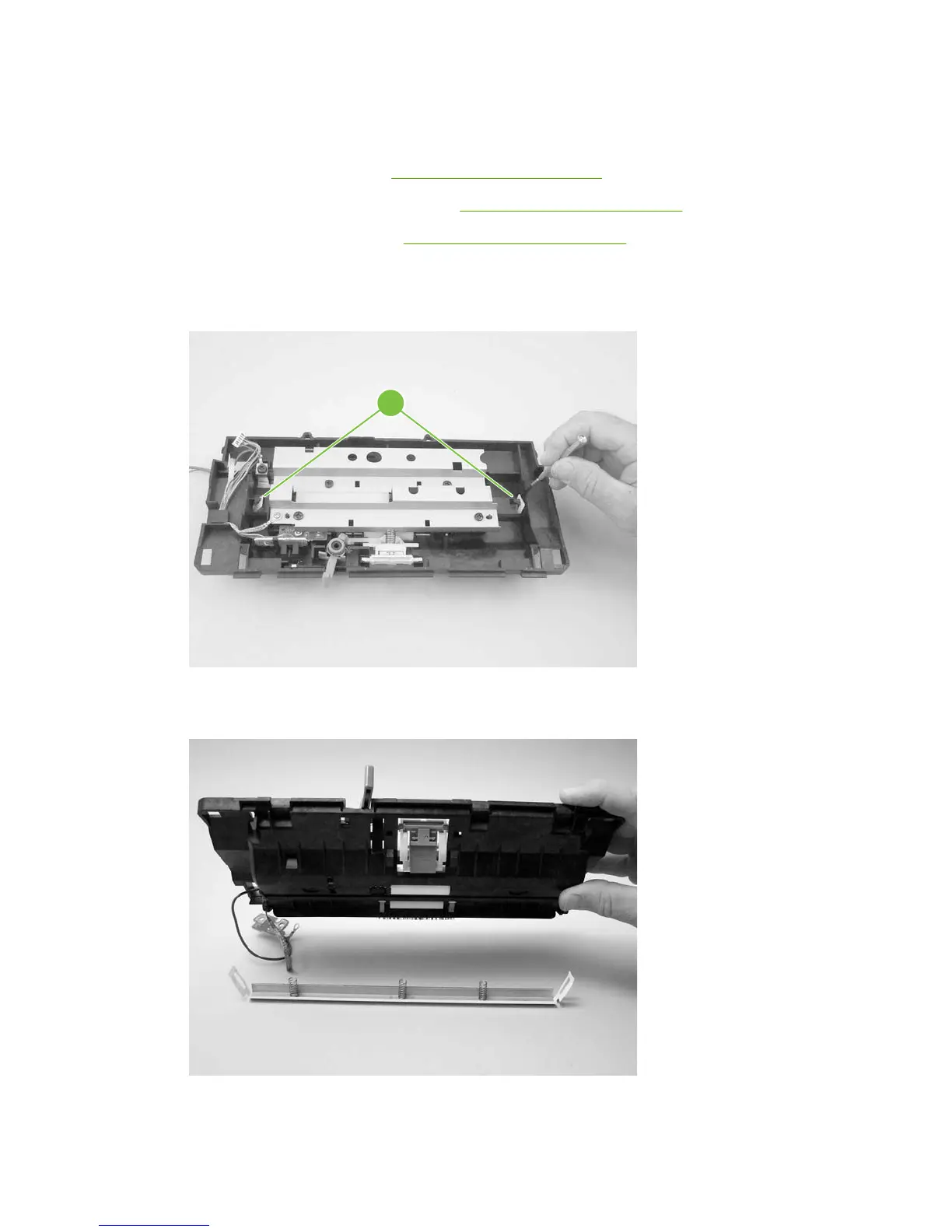
White platen
1. Remove the following assemblies:
●
Scanner assembly. See
Scanner assembly on page 85
●
Scanner assembly top cover. See
Top-cover assembly on page 96
●
Top-cover assembly. See
Top-cover assembly on page 96
2. Use a small flat-blade screwdriver to carefully pry the white-platen retainer tabs (callout 1) off of
the posts on the guide assembly.
Figure 6-42 Removing the white platen (1 of 2)
1
3. Lift the guide assembly up and off of the white platen.
Figure 6-43 Removing the white platen (2 of 2)
98 Chapter 6 Removal and replacement ENWW



 To Next Page