Pickup roller
1. Remove the following assemblies:
●
Scanner assembly. See
Scanner assembly on page 85.
●
Scanner assembly top cover. See .
Scanner assembly top cover on page 93
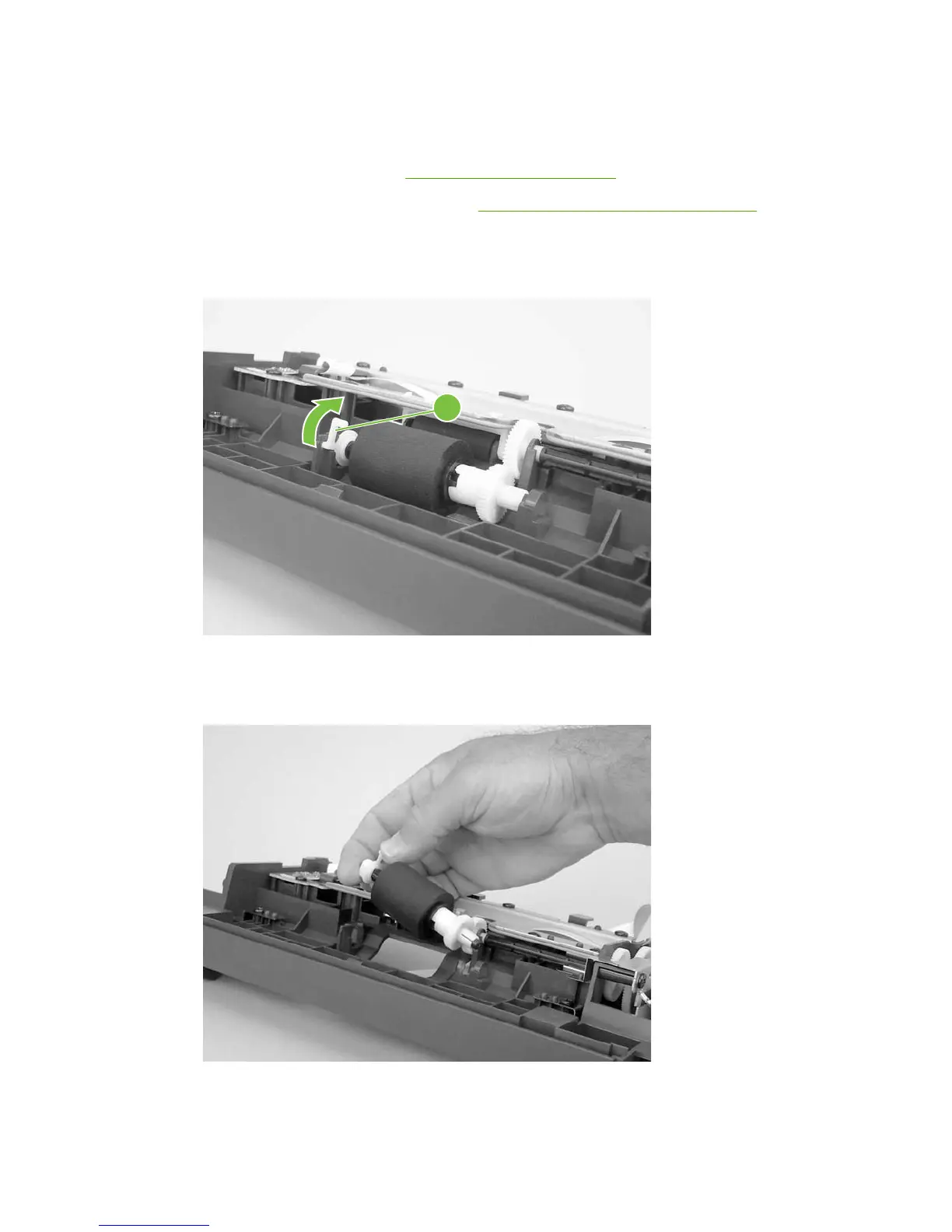
2. Unclip the pickup-roller retainer (callout 1) and rotate it until the flat sides of the clip align with the
mounting slot on the frame assembly.
Figure 6-40 Removing the pickup roller (1 of 2)
1
3. Lift the right side of the pickup roller shaft out of the mounting slot, and then pull it to the right until
the left end of the shaft clears the mounting hole on the left side of the frame assembly.
Figure 6-41 Removing the pickup roller (2 of 2)
ENWW Scanner assemblies 97



 To Next Page