Print cartridge
CAUTION: To prevent damage, do not expose the print cartridge to direct or bright light. Cover it with
a piece of paper.
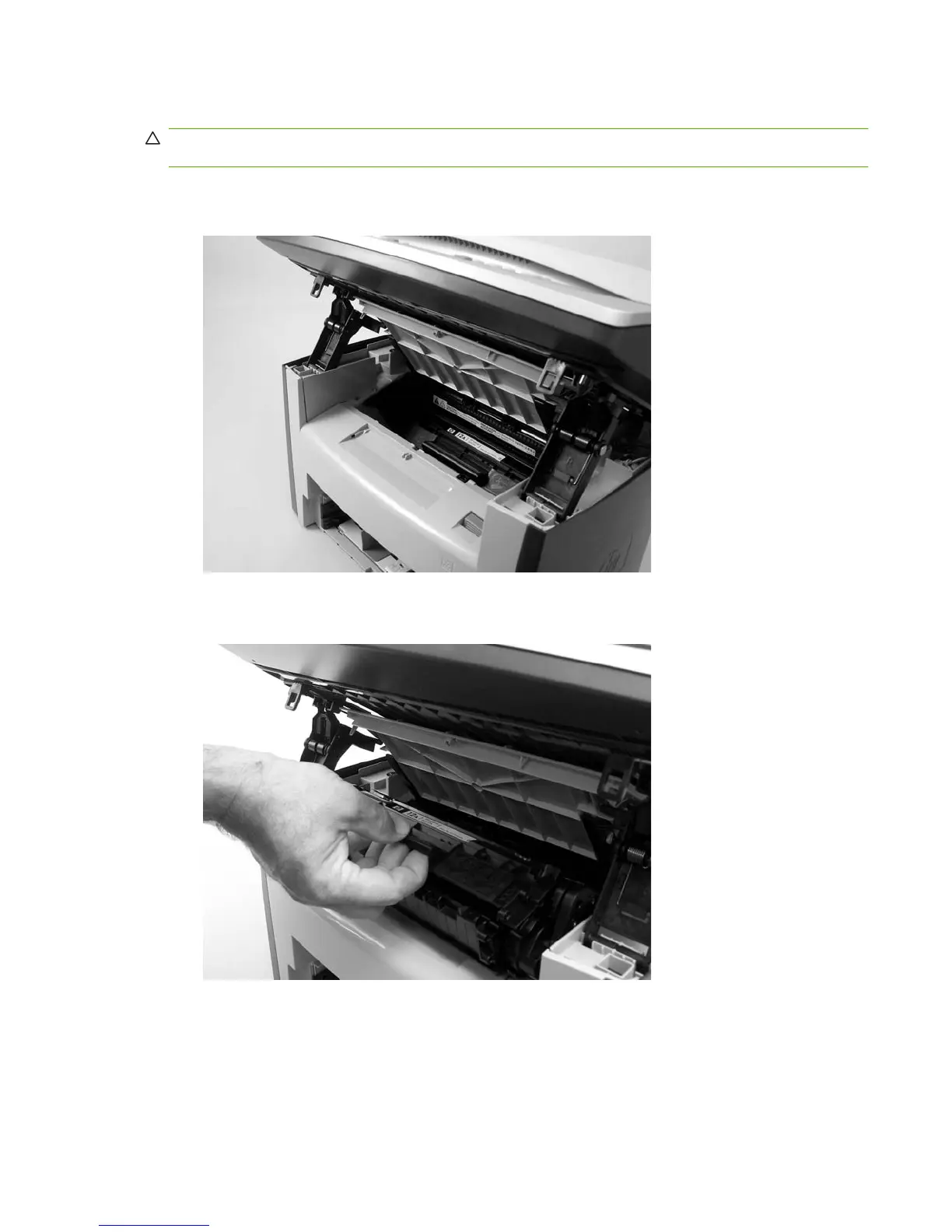
1. Push the print-cartridge-door release button.
Figure 6-47 Removing the print cartridge (1 of 2)
2. Pull the print cartridge up and out of the product.
Figure 6-48 Removing the print cartridge (2 of 2)
ENWW Product base 101



 To Next Page