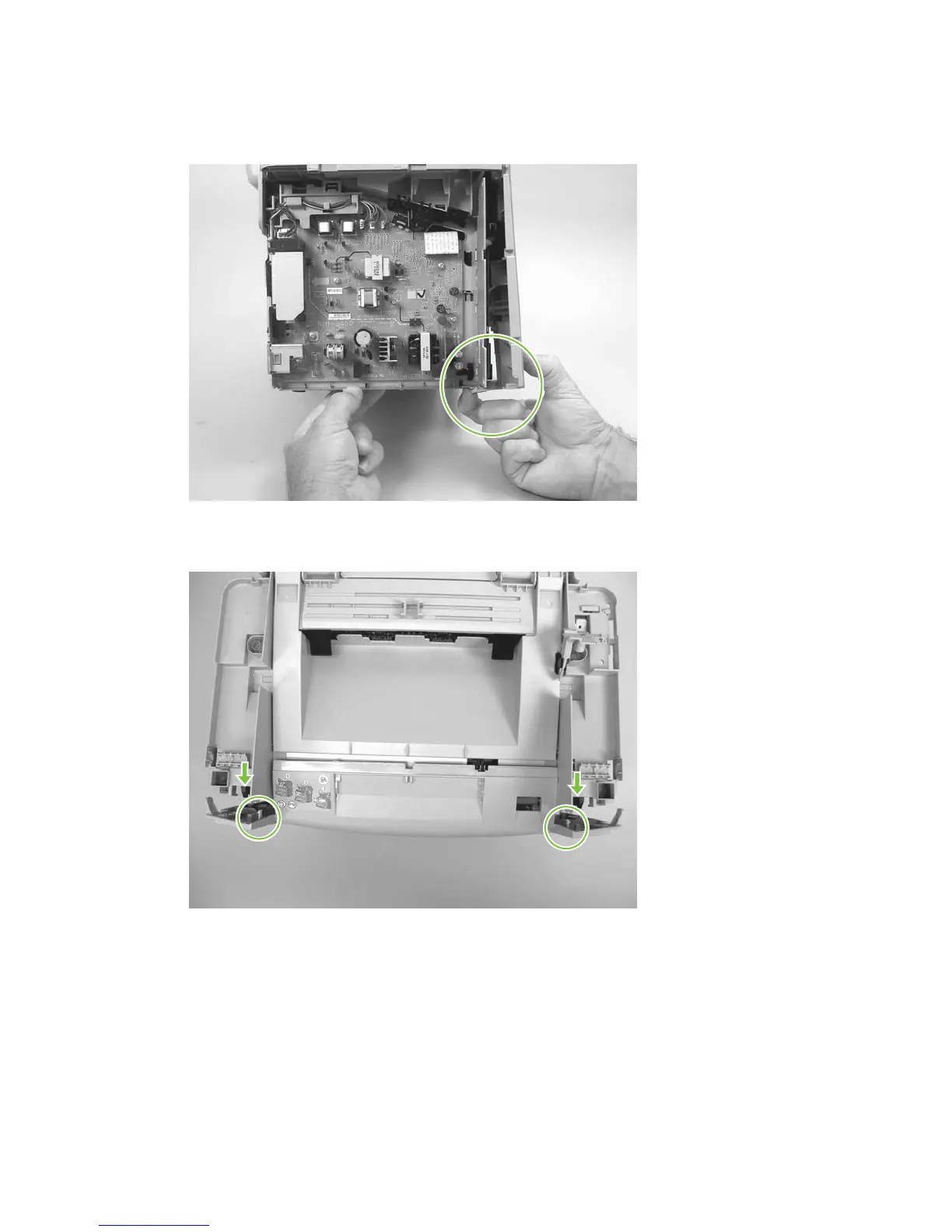
4. Release the locking tab on the lower-left-side front cover and slightly pry the lower-left corner of
the front cover away from the product.
Figure 6-72 Removing the front cover (3 of 5)
5. Locate and release the two locking tabs at the top of the front cover.
Figure 6-73 Removing the front cover (4 of 5)
116 Chapter 6 Removal and replacement ENWW



 To Next Page