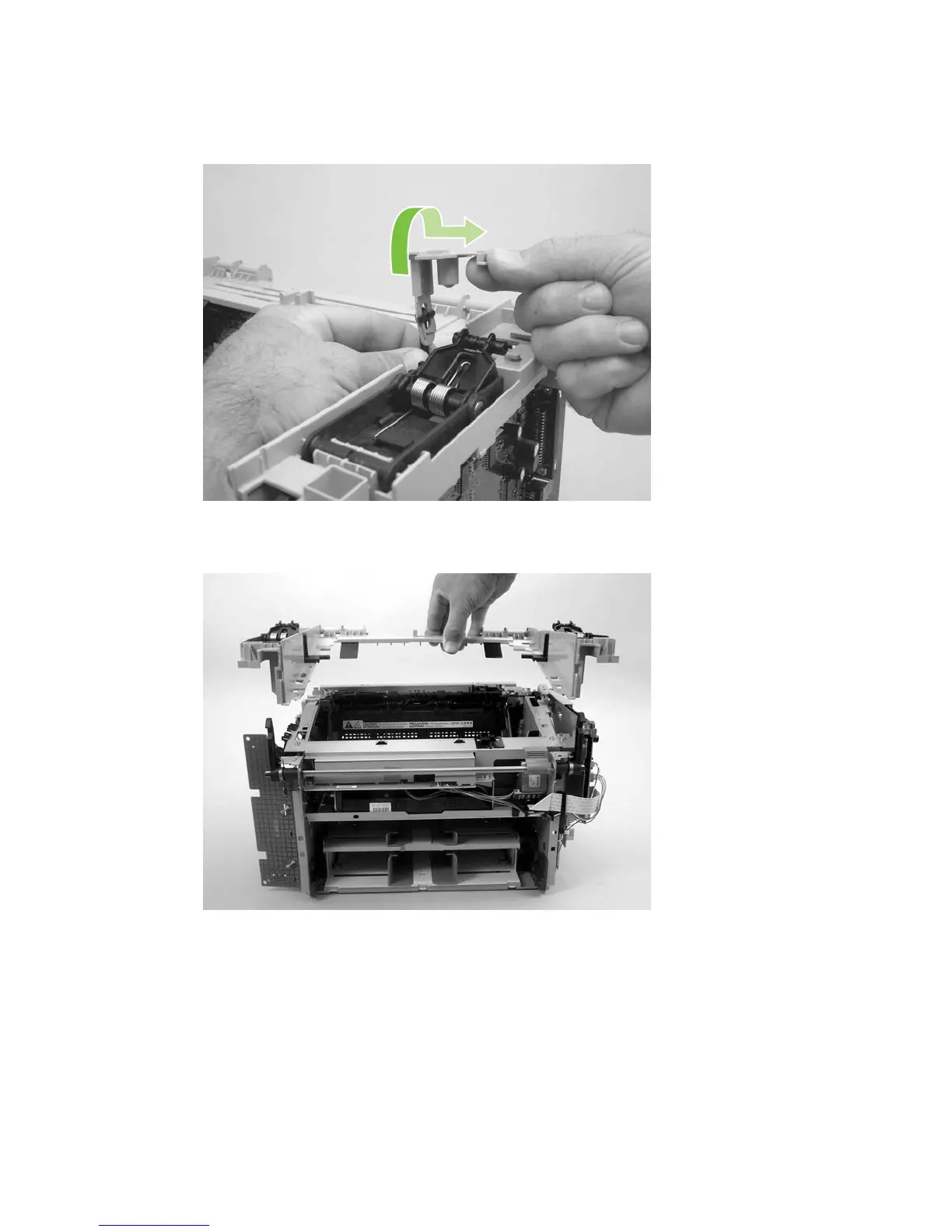
3. Rotate the gear-drive bracket until the retainer on the gear-drive arm aligns with the opening in the
bracket, and remove the bracket.
Figure 6-87 Removing the scanner support-frame (2 of 4)
4. Lift the scanner support-frame up and off of the product.
Figure 6-88 Removing the scanner support-frame (3 of 4)
ENWW Product base 125



 To Next Page