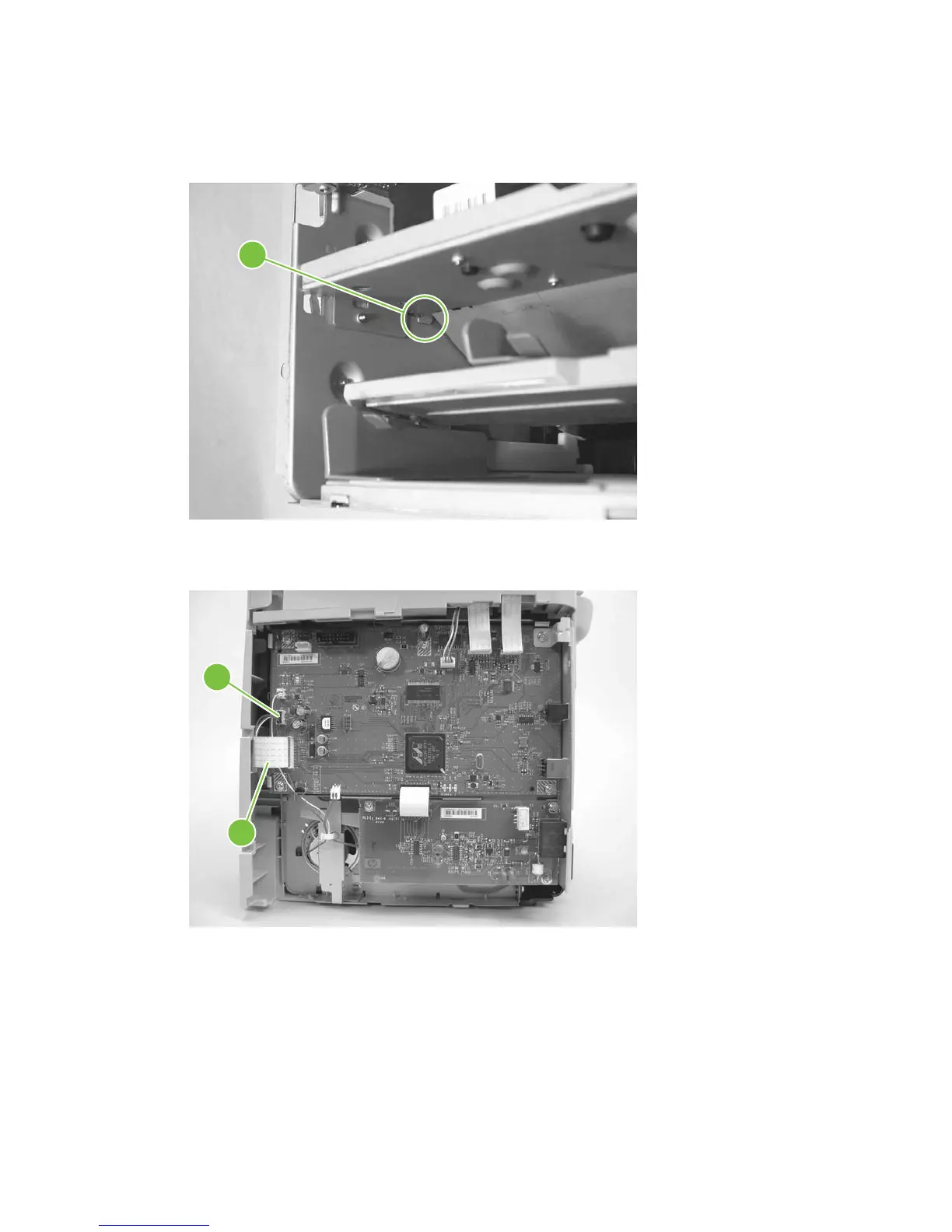
3. Use a long flat-blade screwdriver to disengage the two ECU shield retainer hooks, one at each
side, inside the product (left hook shown; callout 2). Push the hooks into the product to disengage
them.
Figure 6-91 Removing the ECU (2 of 6)
2
4. Disconnect one FFC (callout 3) and one wire-harness connector (callout 4) from the formatter.
Figure 6-92 Removing the ECU (3 of 6)
3
4
128 Chapter 6 Removal and replacement ENWW



 To Next Page