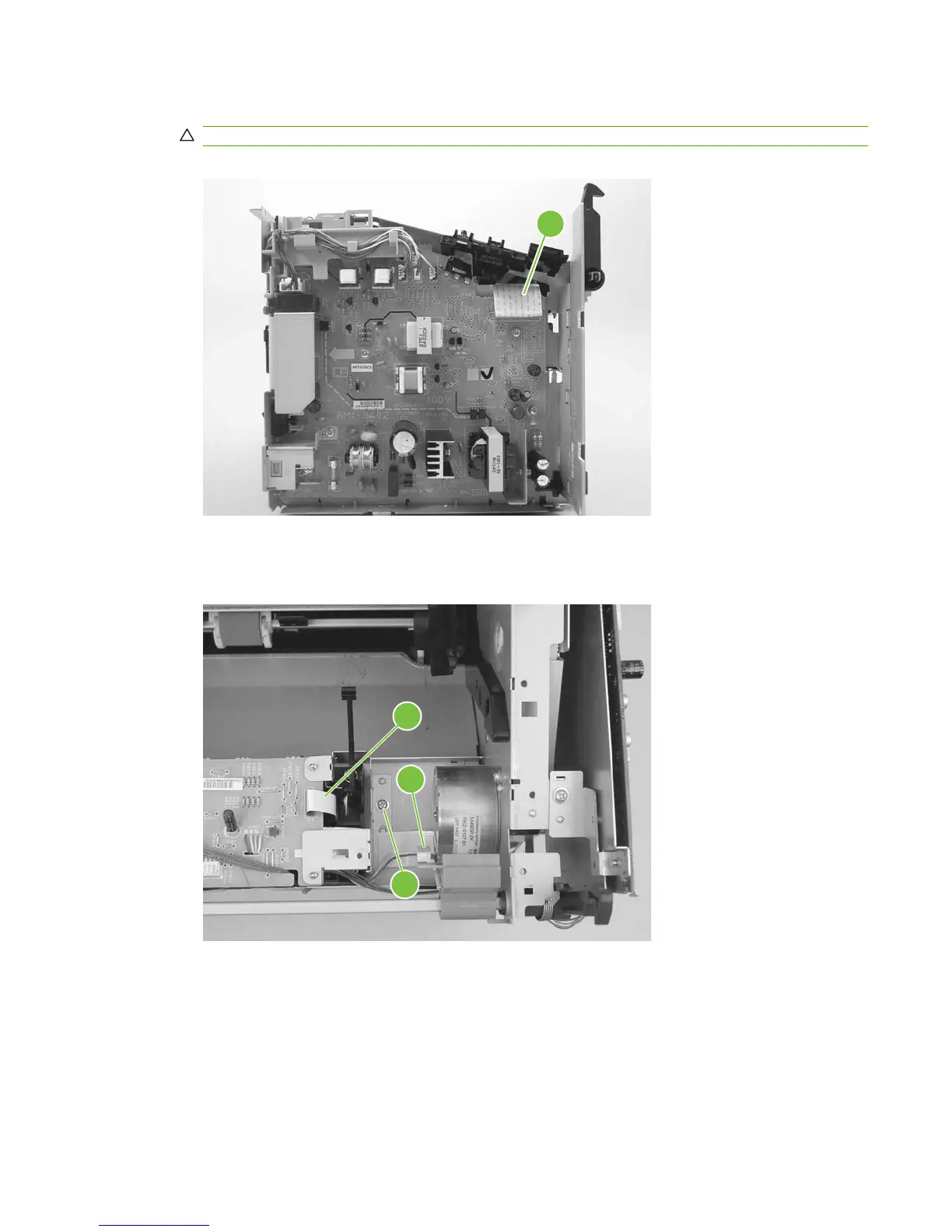
5. Disconnect one FFC (callout 5) from the power supply.
CAUTION: Do not bend or fold the FFCs during the removal or reinstallation process.
Figure 6-93 Removing the ECU (4 of 6)
5
6. Disconnect one FFC (callout 6) from the ECU and the wire-harness connector to the main motor
(callout 7). Remove one screw (callout 8).
Figure 6-94 Removing the ECU (5 of 6)
8
7
6
ENWW Product base 129



 To Next Page