Problem Cause Solution
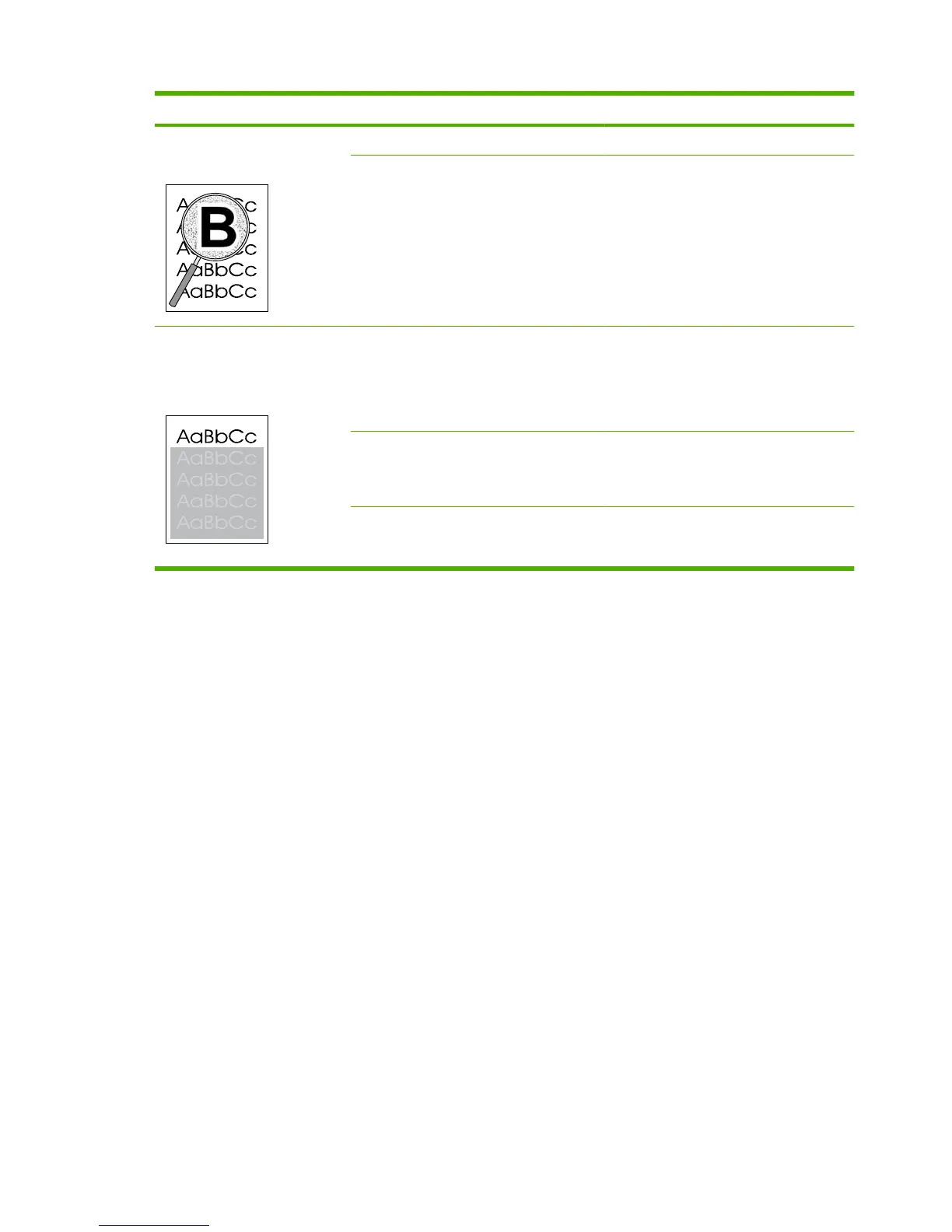
Toner appears around the printed
characters.
The media might be loaded incorrectly. Turn over the stack of paper in the tray.
If large amounts of toner have scattered
around the characters, the paper might have
high resistivity.
Use a different paper, such as high-quality
paper that is intended for laser printers.
An image that appears at the top
of the page (in solid black) repeats
farther down the page (in a gray
field).
Software settings might affect image
printing.
In your software program, change the tone
(darkness) of the field in which the repeated
image appears.
In your software program, rotate the whole
page 180° to print the lighter image first.
The order of images printed might affect
printing.
Change the order in which the images are
printed. For example, have the lighter image
at the top of the page, and the darker image
farther down the page.
A power surge might have affected the
product.
If the defect occurs later in a print job, turn
the product off for 10 minutes, and then turn
on the product to restart the print job.
174 Chapter 7 Solve problems ENWW



 To Next Page