Load paper and print media
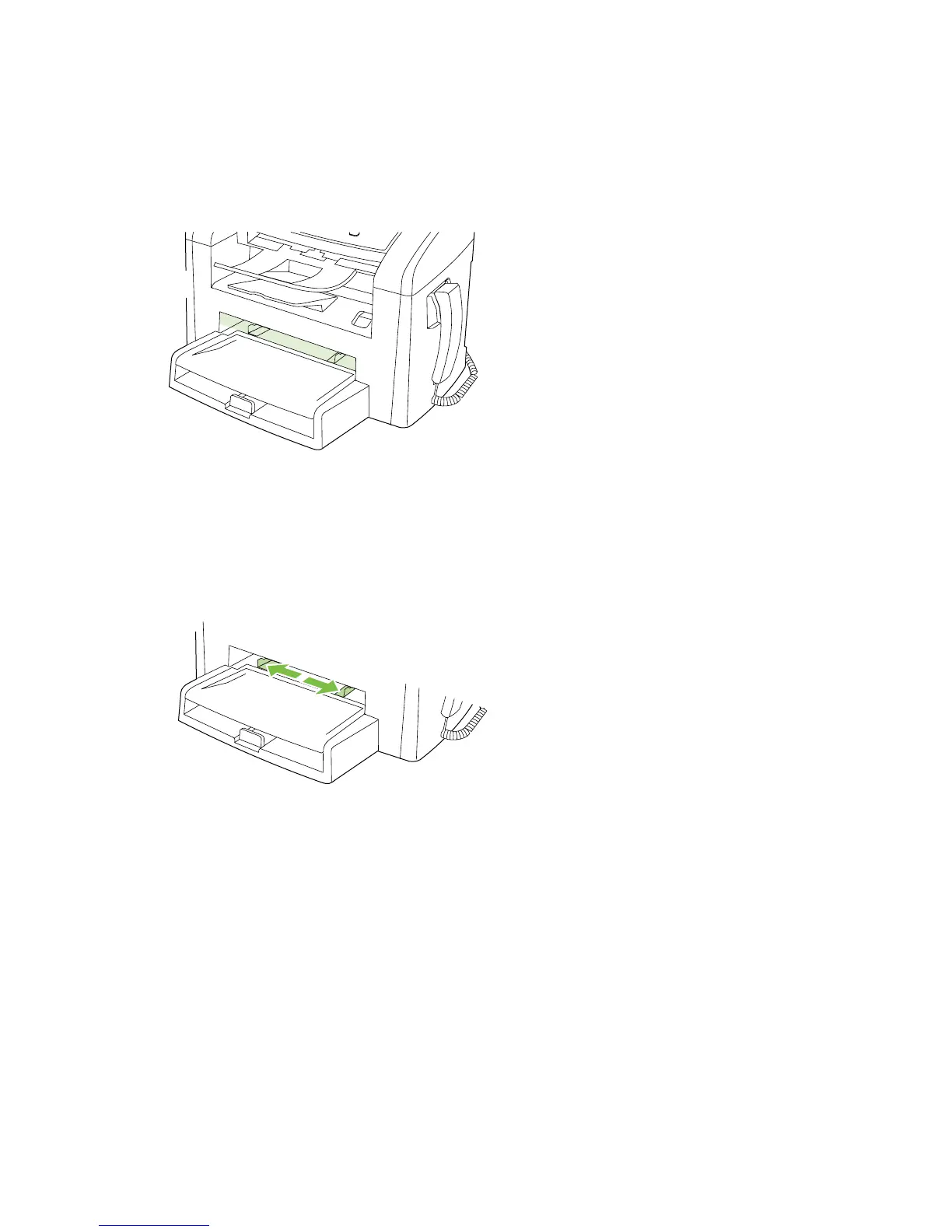
Priority input tray
The priority input tray is accessed from the front of the product. The product prints from the priority input
tray before attempting to print from tray 1.
The priority input tray holds up to 10 sheets of 75 g/m
2
(20 lb) media or one envelope, one transparency,
or one card. You can use the priority input tray to print the first page on media different from the remainder
of the document.
Media guides ensure that the media is correctly fed into the product and that the print is not skewed
(crooked on the media). When loading media, adjust the media guides to match the width of the media
that you are using.
ENWW Load paper and print media 23



 To Next Page