Clean the product
Clean the paper path
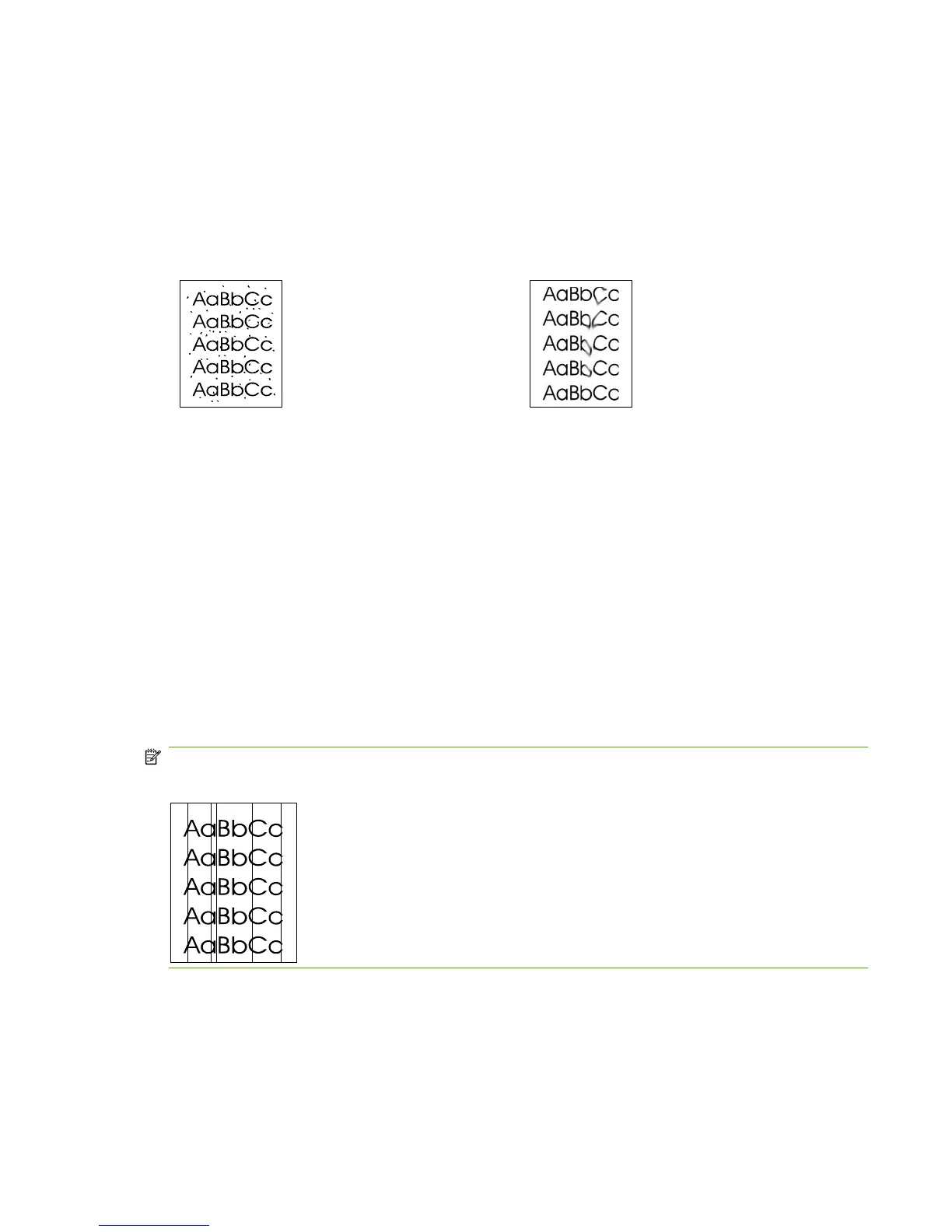
During the printing process, paper, toner, and dust particles can accumulate inside the product. Over
time, this buildup can cause print-quality problems such as toner specks or smearing. This product has
a cleaning mode that can correct and prevent these types of problems.
Specks Smearing
1. Press Setup.
2. Use the arrow buttons to find the Service menu, and then press OK.
3. Use the arrow buttons to find Cleaning mode, and then press OK.
4. Load plain letter or A4 paper when you are prompted.
5. Press OK again to confirm and begin the cleaning process.
A page feeds through the product slowly. Discard the page when the process is completed.
Clean the glass and white platen
Over time, specks of debris might collect on the glass and white platen, which can affect performance.
Use the following procedure to clean the glass and white platen.
NOTE: When vertically aligned black streaks or smears appear on successive copies produced by
using the ADF, the glass or white platen needs to be cleaned.
1. Use the power switch to turn off the product, and then unplug the power cord.
2. Tilt the control panel forward.
ENWW Manage supplies 35



 To Next Page