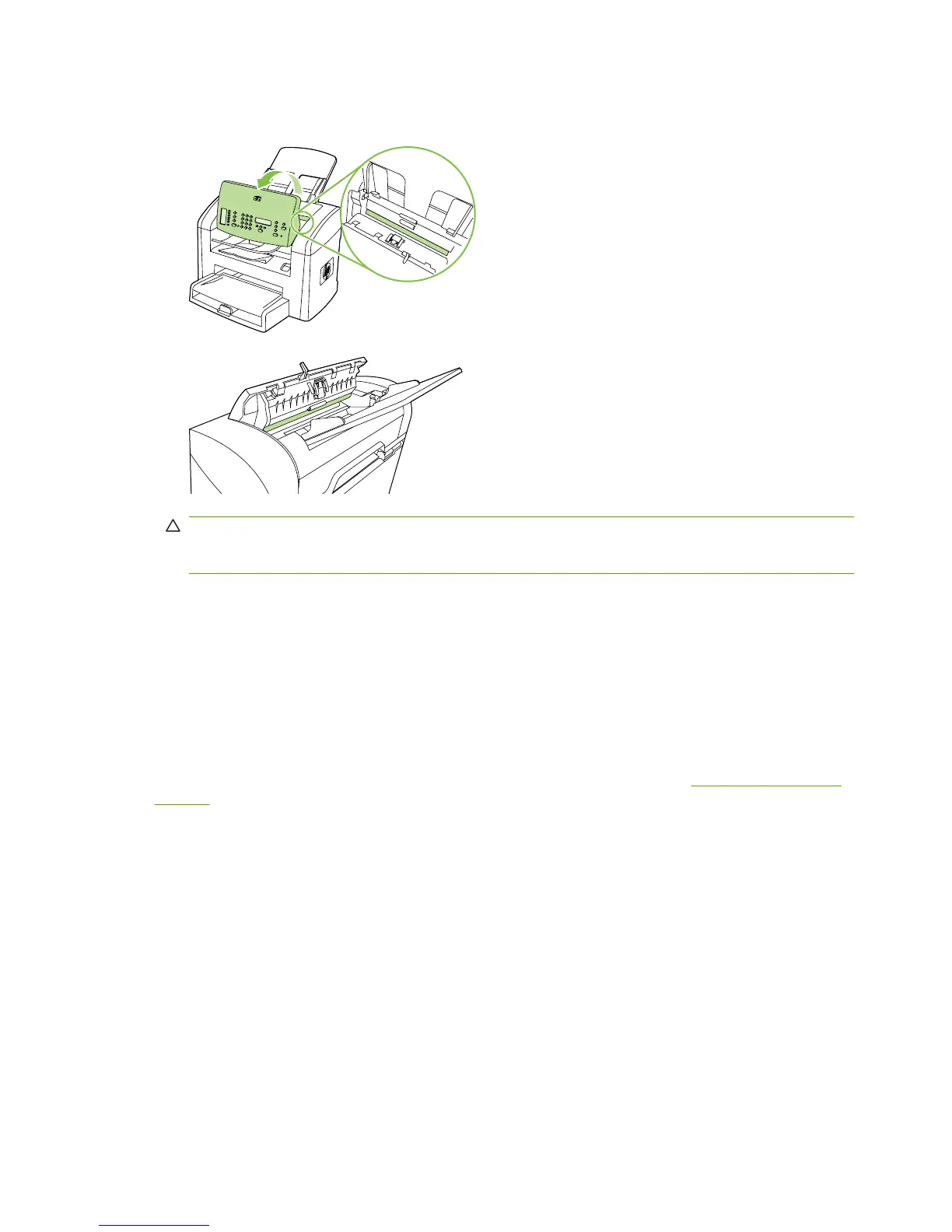
3. Clean the glass and the white platen with a soft cloth or sponge that has been moistened with
nonabrasive glass cleaner.
CAUTION: Do not use abrasives, acetone, benzene, ammonia, ethyl alcohol, or carbon
tetrachloride on any part of the product; these can damage the product. Do not place liquids directly
on the glass or platen. They might seep and damage the product.
4. Dry the glass and platen with a chamois or a cellulose sponge to prevent spotting.
5. Plug in the product and then turn it on.
Clean the exterior
Use a soft, damp, lint-free cloth to wipe dust, smudges, and stains off of the exterior of the product.
Firmware updates
Firmware updates and installation instructions for this product are available at www.hp.com/support/
ljm1319. Click Downloads and drivers, click the operating system, and then select the firmware
download for the product.
36 Chapter 4 Manage and maintain ENWW



 To Next Page