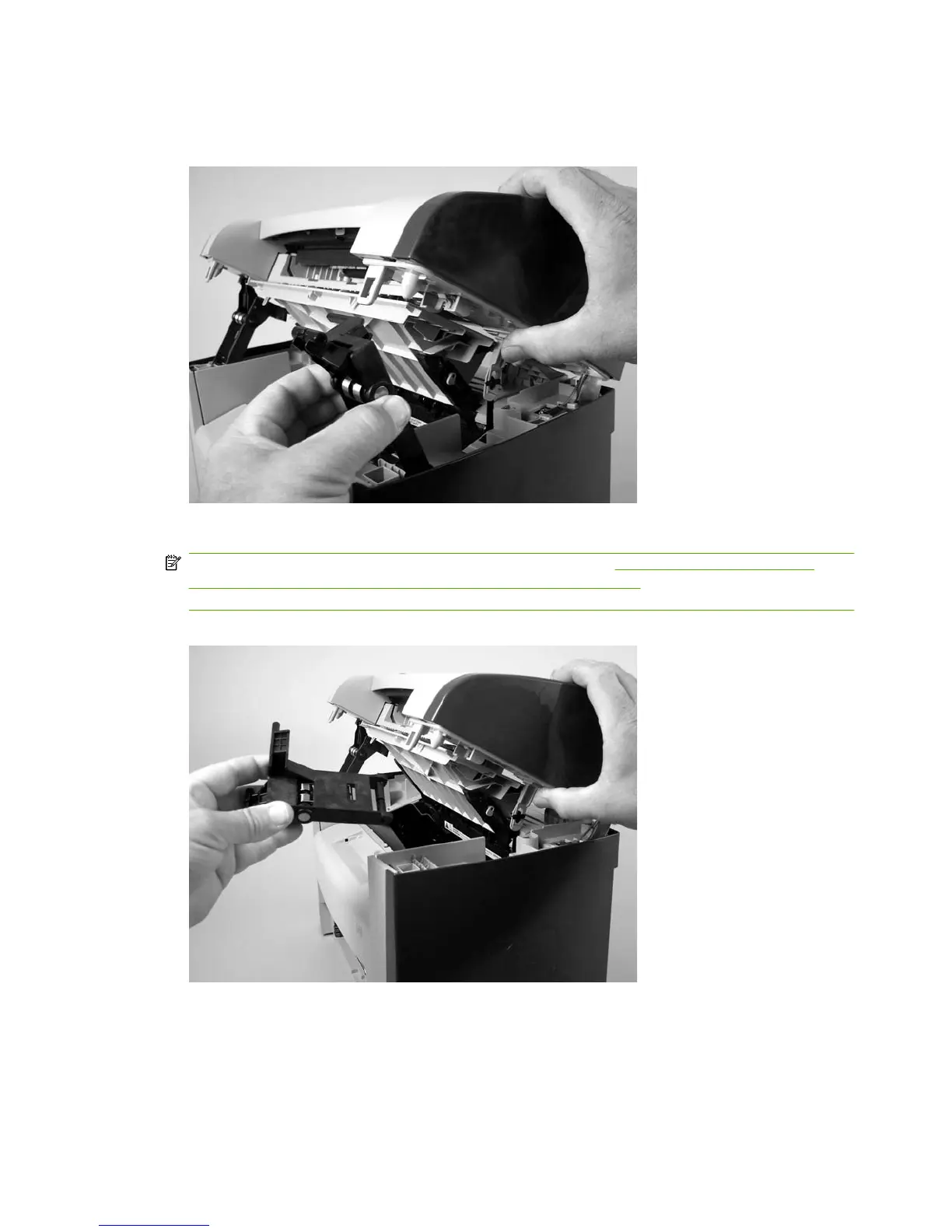
3. Rotate one of the link assemblies toward the front of the product until the link disengages from the
scanner support-frame.
Figure 6-5 Removing the link assemblies and scanner support-frame spring (2 of 4)
4. Remove the link assembly. Repeat for remaining link.
NOTE: If you need to remove the support-frame spring, see Figure 6-7 Removing the link
assemblies and scanner support-frame spring (4 of 4) on page 75 before removing the left side
link assembly.
Figure 6-6 Removing the link assemblies and scanner support-frame spring (3 of 4)
74 Chapter 6 Removal and replacement ENWW



 To Next Page