EasyManua.ls Logo

HP LaserJet M2727 - Multifunction Printer - Page 2

HP LaserJet M2727 - Multifunction Printer
10 pages
Print Icon
To Next Page IconTo Next Page
To Previous Page IconTo Previous Page
Loading...
HP LaserJet M2727 MFP Series – Fax
© 2007 Copyright Hewlett-Packard
Development Company, L.P.
2
www.hp.com
How do I? Steps to perform
Send a delayed fax (continued)
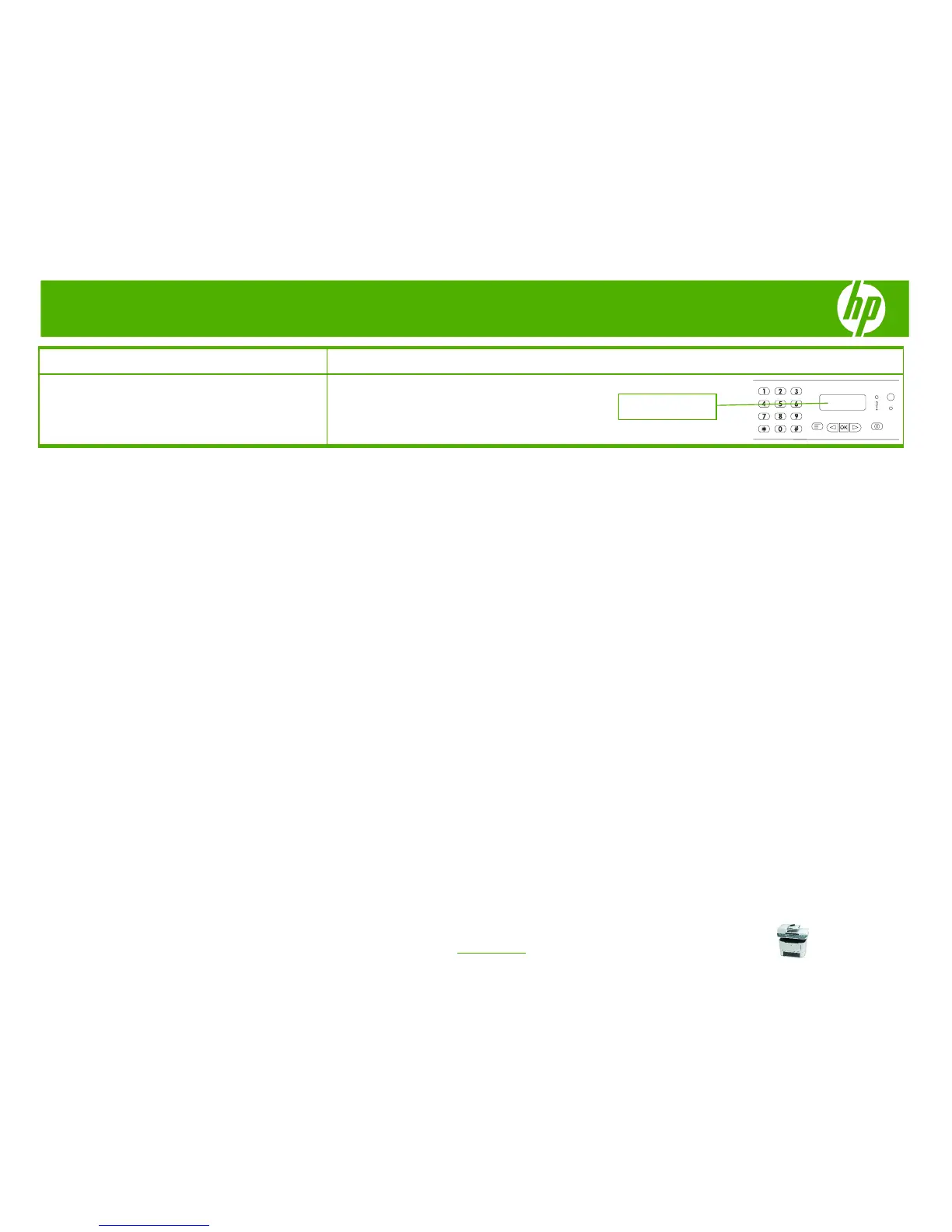
7 Use the alphanumeric buttons to enter the date, and
then press OK.
-Or-
Accept the default date by pressing OK.
MM/DD/YYYY


Other manuals for HP LaserJet M2727 - Multifunction Printer

Related product manuals