HP LaserJet M2727 MFP Series – Fax
© 2007 Copyright Hewlett-Packard
Development Company, L.P.
2
www.hp.com
How do I? Steps to perform
Send a fax from the flatbed scanner
(continued)
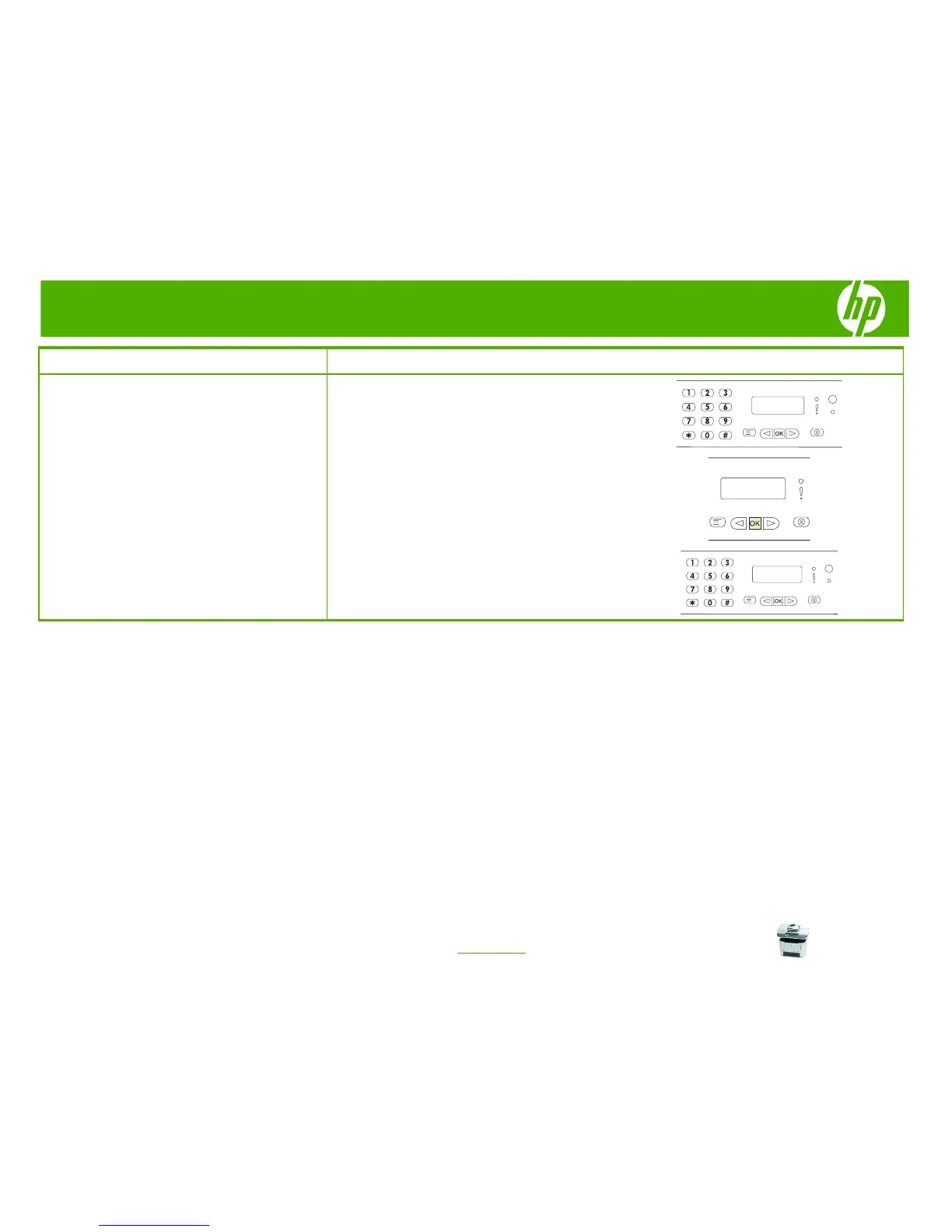
6 Press 1 to select Yes. The control-panel display
shows the following message: Load page: X Press
OK, where X is the page number.
7 Press OK. After scanning the page, the product
control-panel display shows the following message:
Another page? 1=Yes 2=No.
8 If you have more pages to scan, press 1 to select Yes,
and then repeat step 2 for each page of the fax job.
-Or-
If you are finished, press 2 to select No.



 To Next Page