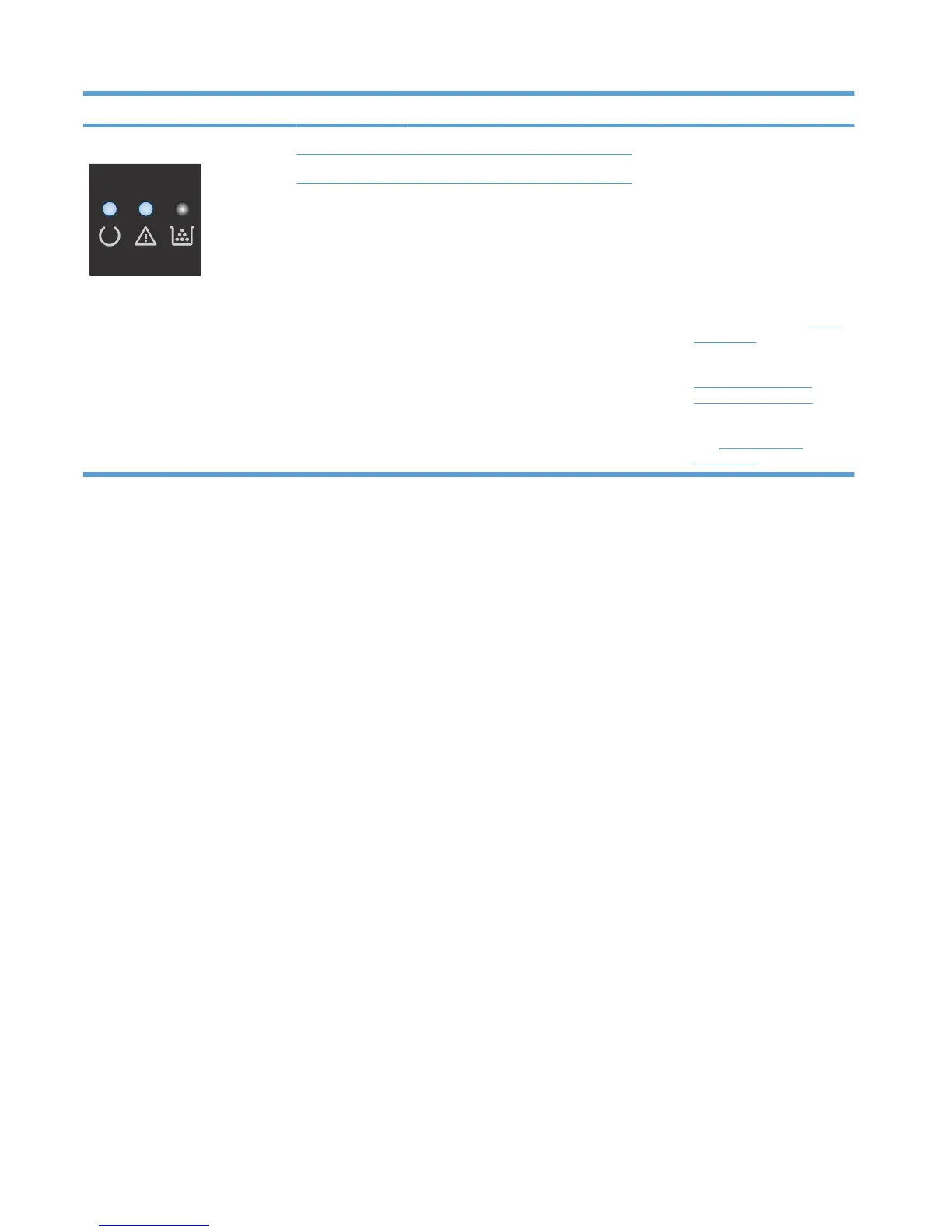
Light status Error code State of the product Action
The attention and ready lights are on. E7 Fuser error 1. Turn off the product or disconnect
the power cord from the product.
2. Wait 30 seconds, and then turn
on the product or reconnect the
power cord to the product.
3. Wait for the product to initialize.
4. If the error persists, replace the
component.
◦
E7 error: fuser. See
Fuser
on page 79.
◦
E8 error: CIS scanner. See
CIS scanner-carriage
assembly on page 56.
◦
E9 error: formatter PCA.
See
Formatter PCA
on page 68.
E8
Scanner error
E9 Engine communication error
Table 2-3 Control-panel light patterns (continued)
122 Chapter 2 Solve problems ENWW



 To Next Page