Fax logs and reports
Use the following instructions to print fax logs and reports:
Print all fax reports
Use this procedure to print all of the following reports at one time:
●
Fax Activity log
●
Phone Book report
●
Config report
●
Block Fax list
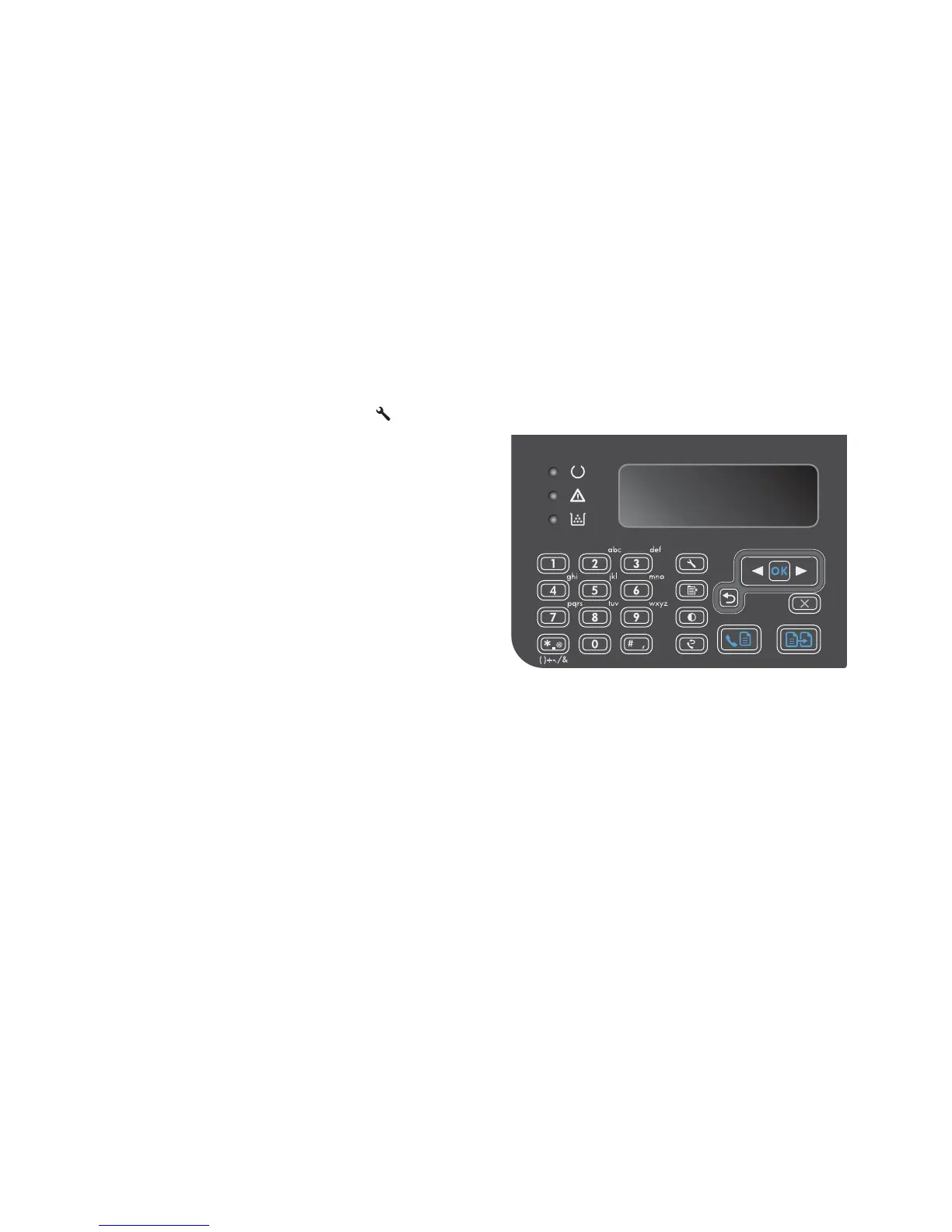
1. On the control panel, press the Setup
button.
2. Use the arrow buttons to select the Reports
menu, and then press the OK button.
3. Use the arrow buttons to select the Fax
Reports menu, and then press the OK button.
4. Use the arrow buttons to select the All fax
reports option, and then press the OK button.
The product exits the menu settings and prints
the reports.
168 Chapter 2 Solve problems ENWW



 To Next Page