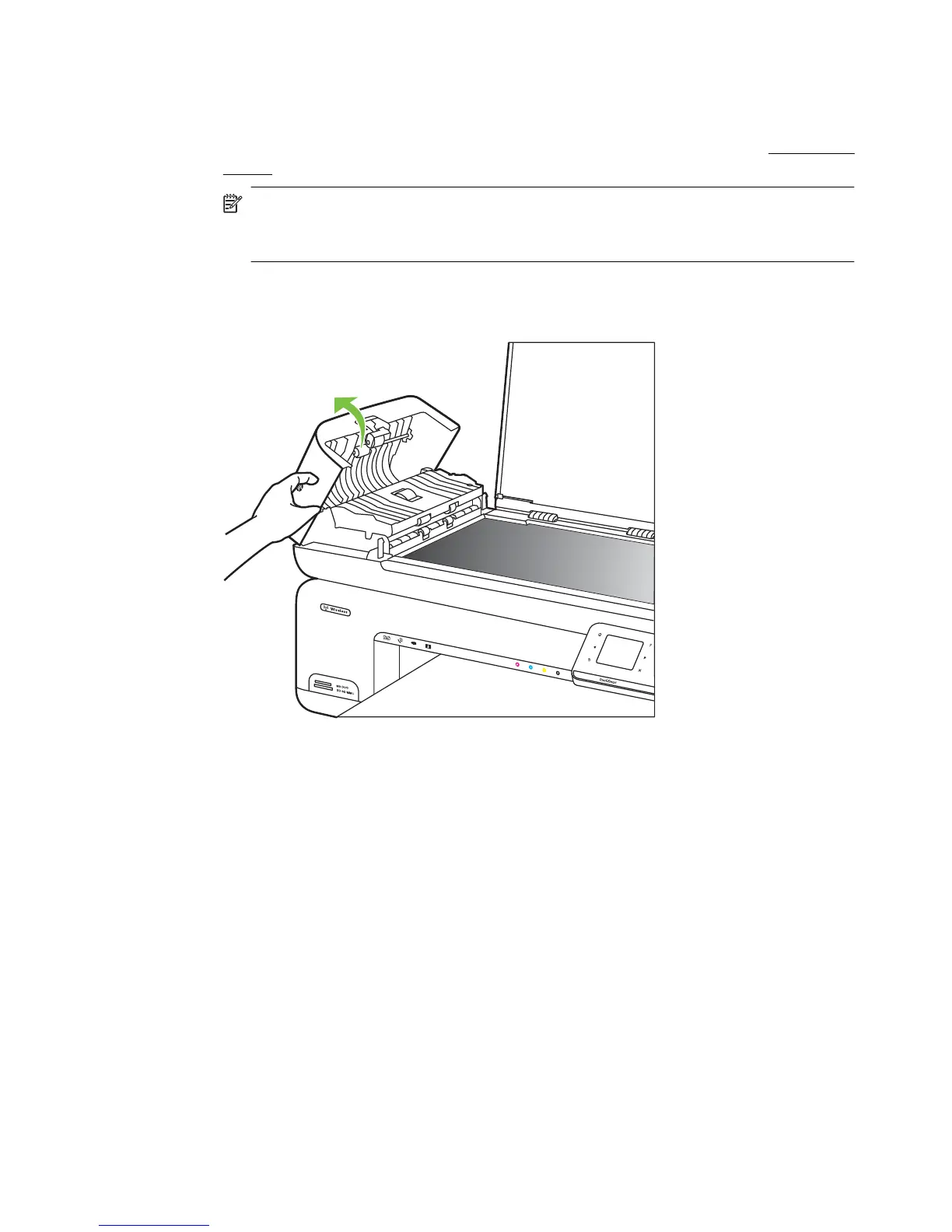
To clean the plastic strip inside the automatic document feeder
Use these instructions to clean the plastic strip inside the ADF.
1. Turn off the printer and unplug the power cord. For more information, see
Turn off the
printer.
NOTE: Depending how long the printer is unplugged, the date and time might
be erased. You might need to reset the date and time later, when you plug the
power cord back in.
2. Lift the cover of the automatic document feeder until it stops, and then gently pry the
cover to release the catch.
Maintain the printer 29



 To Next Page