7
2. Monitor features
This chapter provides an overview of the monitor’s features.
Features
Depending on the model, your monitor might include the following features:
Display features
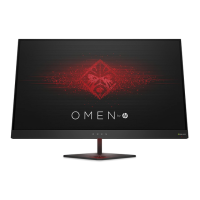
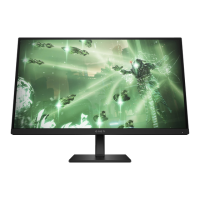
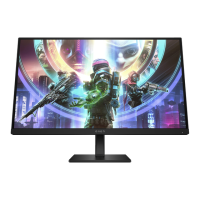
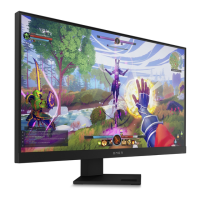
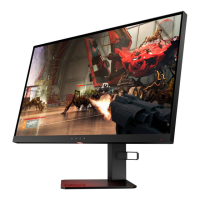
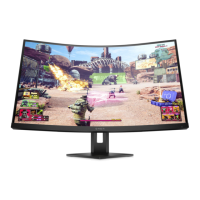
● Three-sided borderless 68.5 cm (27 in) curved monitor with 2560 × 1440 @
240 Hz (DP) or 144 Hz (HDMI) resolution, plus full-screen support for lower
resolutions; includes custom scaling for maximum image size while preserving
original aspect ratio
● Liquid crystal display (LCD) with active matrix and vertical alignment (VA)
● Wide color gamut to provide coverage of DCI-P3 color spaces
● Antiglare panel with an LED backlight
● HP Eye Ease with Eye safe certification (default mode) to reduce blue light to
keep your eyes comfortable
● Wide viewing angle to allow viewing from a sitting or standing position, or
moving from side to side
● Height and tilt adjustment capability
● On-screen display (OSD) adjustments in several languages for easy setup and
screen optimization
● Color space presets for DCI-P3 (Gaming mode) and sRGB (Standard mode)
● Security cable slot on the rear of the monitor for an optional security cable
Connectors
● DisplayPort™ video input (cable included)
● High-Definition Multimedia Interface™ (HDMI) video input
● Audio-out (headphone) jack
● USB Type-C® port (data only)
● USB Type-A–to–USB Type-C cable and DisplayPort cable provided
● Plug and Play capability, if supported by your operating system
Monitor stand
● Removable stand for flexible monitor head mounting solutions
● VESA® mounting capability (100 × 100 mm) for attaching the monitor to a swing arm
mount
NOTE: For safety and regulatory information, refer to the Product Notices provided
in your documentation kit. To access the latest user guide, go to
http://www.hp.com/support, and follow the instructions to find your product. Then
select Manuals.


 To Next Page