Using the OmniBook PC
Operating the Computer
Setup Guide 23
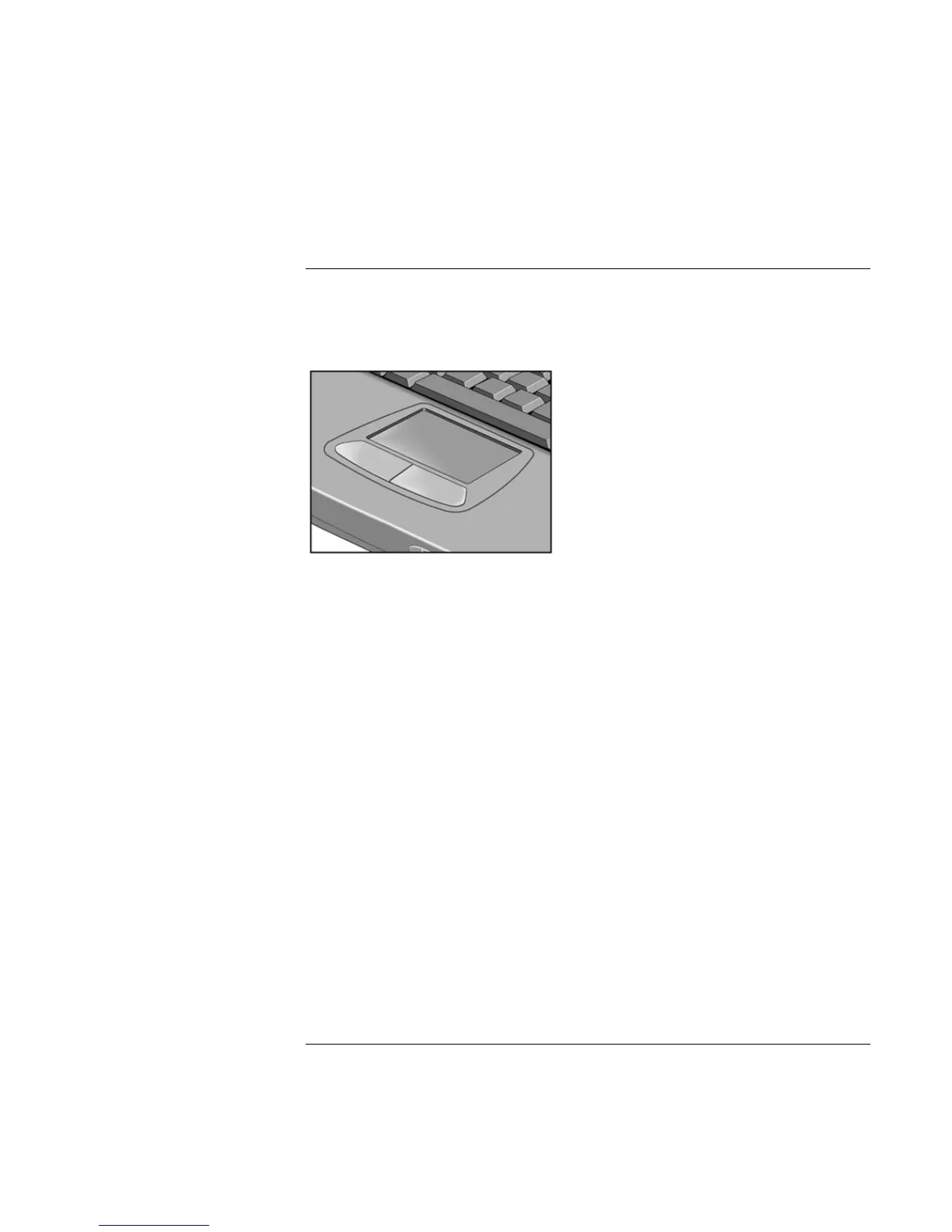
To use the touch pad
The touch pad, a touch-sensitive pointing device that controls the motion and speed of
the pointer on the screen, is built into your computer.
1. Move a thumb or finger across the touch pad in the direction you want the pointer to
move.
2. Use the click buttons, which function like the left and right buttons on a mouse, to
make your selection. You can also tap on the touch pad instead of clicking a button.
• To open an application, move the pointer over the icon, then press the left button
twice rapidly.
• To make menu selections, move the pointer to the item and press the left button once.
• To open the shortcut menu for an item, move the pointer over the item and click the
right button.
• To drag an item, move the pointer over the item. Press and hold the left button while
you move the pointer to the new location. Release the button.



 To Next Page