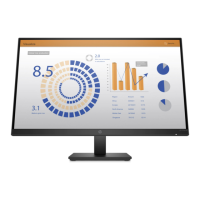
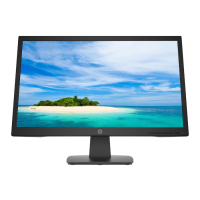
HP 21” Color Monitor User’s Guide
Using Your Monitor
6 EnglishEnglish
Using Your Monitor
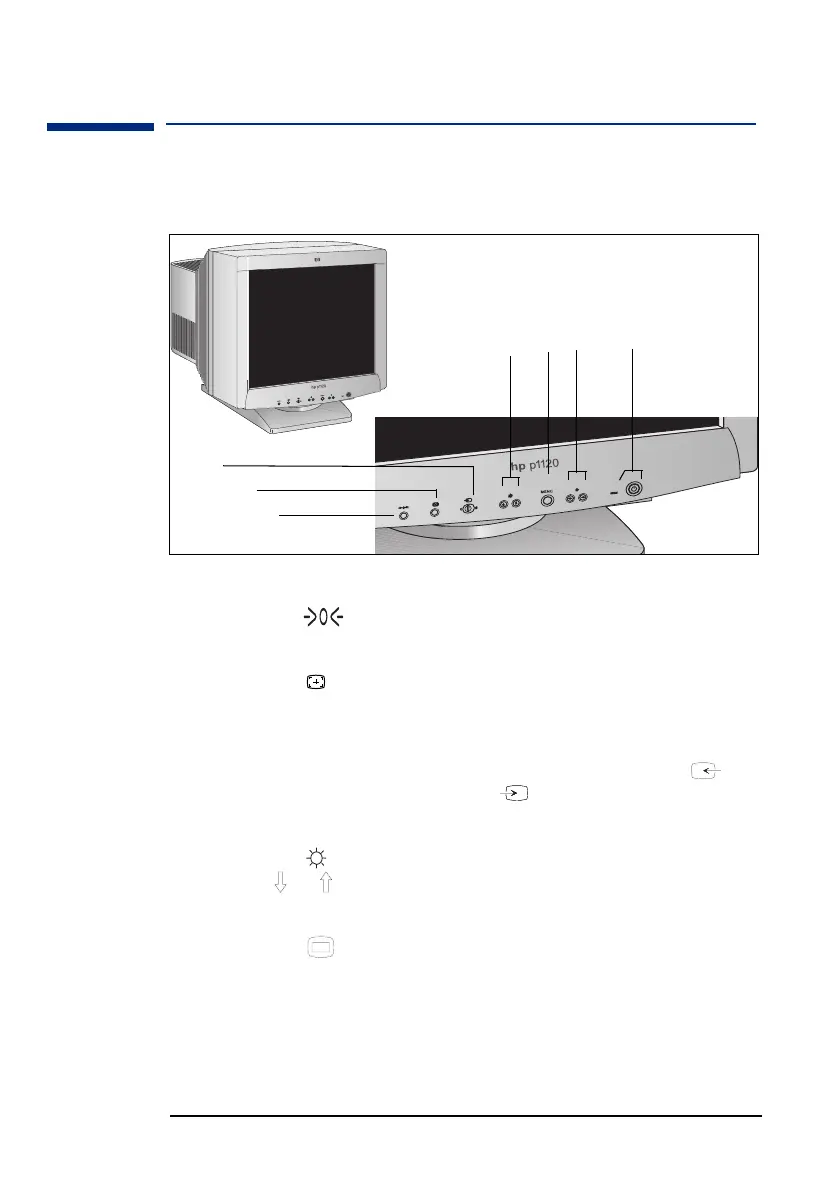
The illustration below shows the location of the function keys which
operate the monitor.
Reset Button
1 This button resets the adjustments to the factory settings.
Auto Sizing and Centering Button
2 This button automatically adjusts the size and centering of the
picture.
Input Switch
3 This switch selects the INPUT 1 (video input 1 connector: ) or
INPUT 2 (video input 2 connector: ) video input signal.
Brightness Buttons
4 This button displays the Brightness/Contrast menu. These
buttons / let you select the menu items.
Menu Button
5
This button displays the main menu.
➀
➁
➃
➄
➅
➆
➂



 To Next Page