Component Description
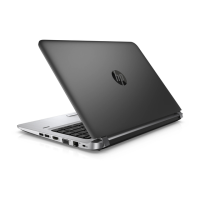
(3) Battery bay Holds the battery.
(4) Battery release latch Releases the battery.
(5) Vents (3) Enable airow to cool internal components.
NOTE: The computer fan starts up automatically to cool
internal components and prevent overheating. It is normal
for the internal fan to cycle on and o during routine
operation.
(6) Service door Provides access to the hard drive bay and the memory
module slots.
(7) SIM card slot Supports a wireless subscriber identity module (SIM) card.
The SIM card slot is located inside the service door.
Front
Component Description
(1) Drive light
●
Blinking white: The hard drive is being accessed.
●
Amber: HP 3D DriveGuard has temporarily parked the
hard drive.
(2) Memory card reader Reads optional memory cards that store, manage, share,
or access information.
12 Chapter 2 External component identication


 To Next Page
 Loading...