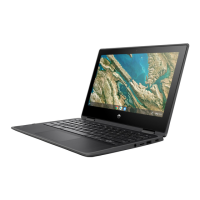
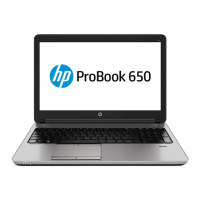
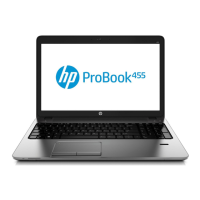
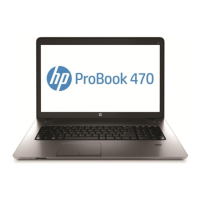
Remove the system board:
1. Disconnect the following cables from the system board:
(1) Display panel ZIF connector cable
(2) Webcam/microphone module cable
(3) Display TouchScreen cable (only on computer models equipped with a TouchScreen
display assembly)
(4) Speaker cable
(5) RTC battery cable
(6) Audio board ZIF connector cable
Component replacement procedures 35



 To Next Page
 Loading...