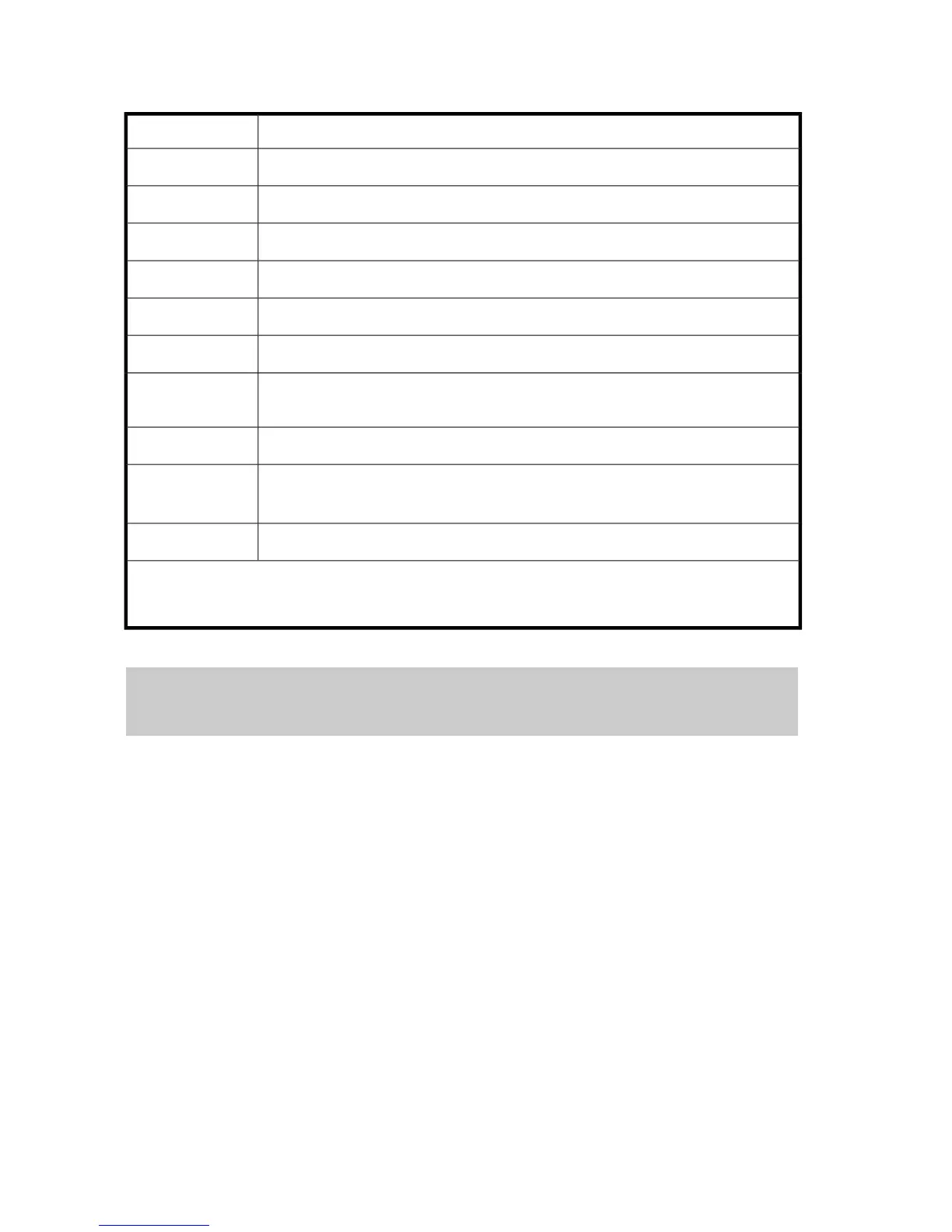
Detailed information displays for this operation, as shown in Table 125.
Table 125 Install Operation (Installing Additional Shared Memory)
DescriptionItem
The mounting location of the PCB for shared memory.SM
The slot position of the shared memory module.Slot
The capacity of the cache memory module.Size
The number of shared memory modules.Num of SMMs
The option flags.PP Flag
The number of option flags.Num of PP Flags
The maximum number of CUs.
Max Number of
CUs
The mounting location of the batteryBattery
Indicates the installation or the uninstallation of the battery.
Install: Install battery, Uninstall: Uninstall battery.
Define
The number of batteries.Num. of Batteries
NOTE:
Only the changed items will be output.
Example 5 (installing additional power supply)
user-name,xx,YYYY/MM/DD,HH:MM:SS.xxx, 00:00,[Install],Install,,Normal end,,,Seq.=xxxxx
+Redundant Power Supply=[CL Additional Power Supply,CL Additional Power Supply2],
Num. of Redundant Power Supplies=2
[Install]
Install function
Install
Install operation
Normal end
The operation has ended normally.
Seq.=xxxxxx
Sequence number of log information (0000000000 to 4294967295)
Detailed Information
Install Function166









 To Next Page