Installation 14
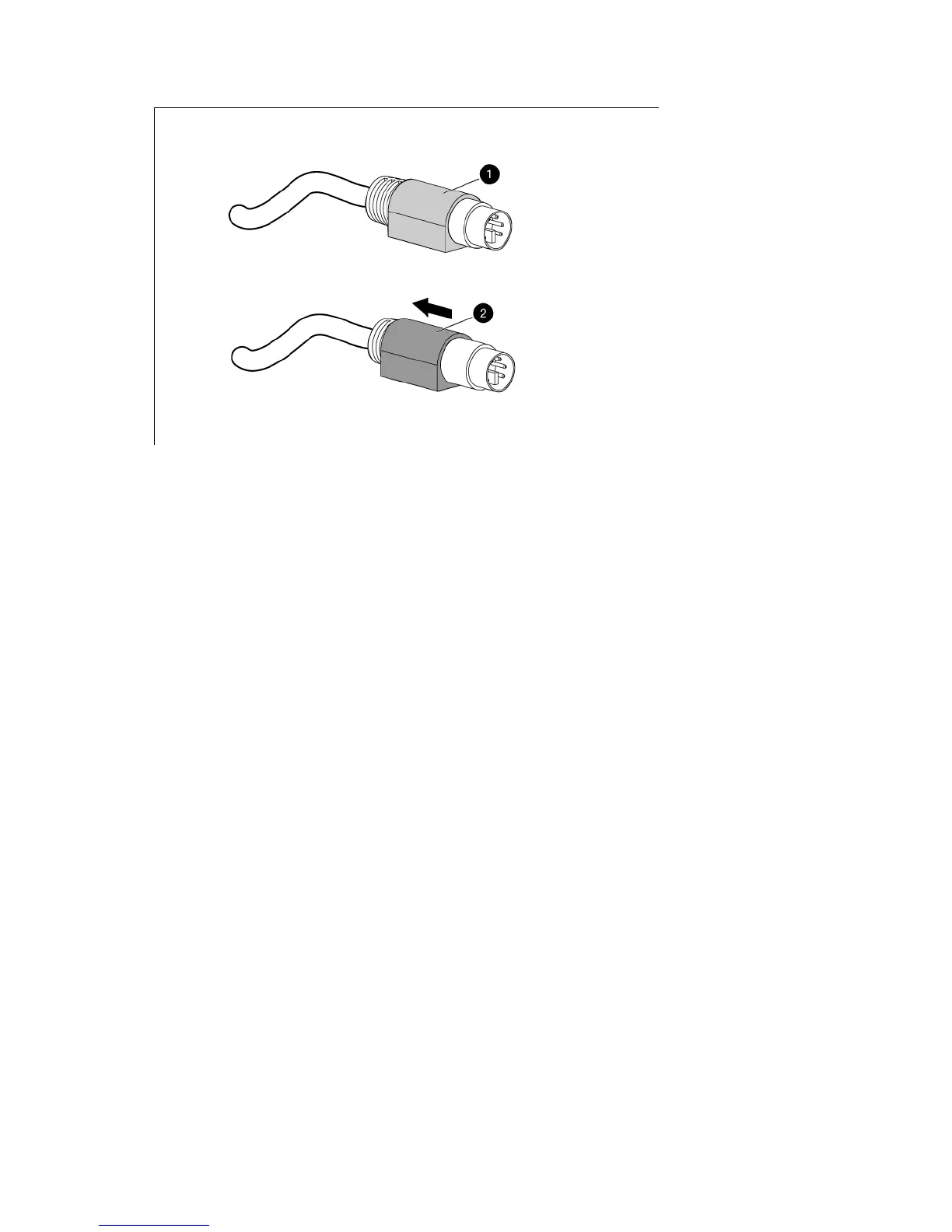
2.
Slide it back to release the locking mechanism and gently pull to remove the cable.
Enabling the native display resolution of 1440x900
in HP-UX
To fix issues related to wide screen panels, verify that you have at least one of the following server patches
(or newer) installed:
• PHSS_40809 (11.31)
• PHSS_40810 (11.23)
For more information about setting resolutions in HP-UX, see the Graphics Administration Guide for HP-UX
11.x servers on the HP website (http://docs.hp.com/en/5900-0585/5900-0585.pdf).









 To Next Page