41
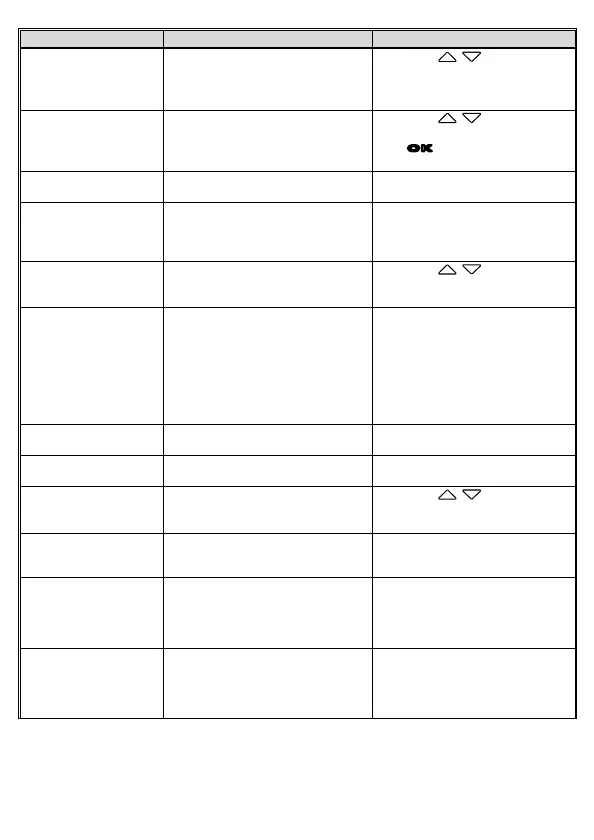
Menu option Description Available option
Set Time Zone Set the time zone you are in.
Press the / button to set
the satellite time. You may
customize it between GMT -12:00
~ GMT +14:00
Date / Time Set the date and time.
Press the / button to
adjust the value, and then press
the
OK
button to set the next
field, and complete setting
Language Language setting.
According to the actual shipping
regions.
Resolution Setting of video resolution.
2560x1440 30fps HDR
1920x1080 60fps HDR
1920x1080 30fps HDR
EV Setting of exposure value.
Press the / button to set
the exposure value. It can be set
between -2 ~ +2
LCD Setting
Set LCD off time. Camcorder screen
will be off after a set time if no
operation is detected during the
standby or record mode. Press any
button will switch it on. (Recording
is not affected when screen is off).
On/ Turn off after 7 sec / Turn off
after 1min/ Turn off after 3min
Voice Record
Setting for activating audio in the
video.
On / Off
Key Tone
Enable / disable power-on sound
and key tone.
On / Off
Volume Adjust the sound volume.
Press the / button to set
the volume. It can be set between
0 ~ 10.
Record Interval
Save respective video files in a
length of the selected duration.
30 sec. / 1 min. / 3 min.
Parking Mode
If one of parking mode is activated,
the camcorder will enter parking
mode 10 seconds after disconnect
the external power.
Off/ Park Recording / Motion and
Collision Detection / Timelapse
Collision Detection
If Collision Detection is activated,
this camcorder starts emergency
recording once it detects any
collision.
High Sensitivity / Normal
Sensitivity / Low Sensitivity / Off



 To Next Page