
 Need help?
Do you have a question about the HP s979 and is the answer not in the manual?
Instructions for safely and correctly installing the camcorder in a vehicle.
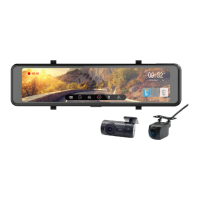
Key features of the HP s979 Car Camcorder.
List of items included in the product package.
Step-by-step guide for inserting the microSD card into the camcorder.
How the camcorder automatically powers on with the vehicle engine and powers off.
Instructions for manually turning the camcorder power on and off.
Guide to setting the correct date and time on the camcorder.
Information on how the camcorder records video, including auto recording.
How to activate and use the parking monitoring feature.
Overview of various settings like resolution, record interval, and sound.
Detailed technical specifications of the camcorder, including sensor, resolution, and dimensions.
 General
| Brand | HP |
|---|---|
| Model | s979 |
| Category | Dash Cameras |
| Language | English |

 To Next Page











