16
3.4 Middle Camera (Option)
Please power off the camcorder firstly, then plug the optional middle
camera into CH2 port on the camcorder. After installation, you can turn
on the main camcorder and enjoy triple channels recording.
Note:
1. Middle camera doesn’t support hot plug-n-play. Please power off the main
camcorder before plug into middle camera.
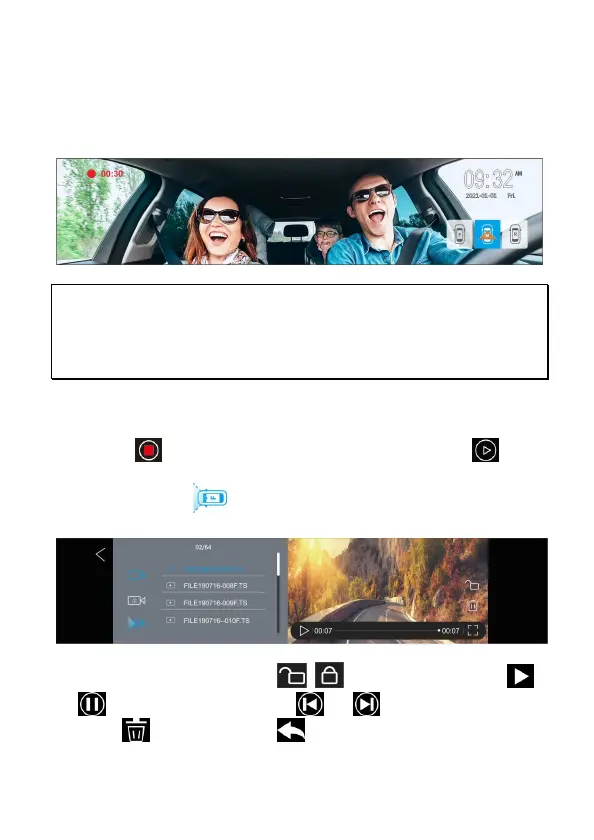
2. Touch one of three square icons on right down side of screen to switch preview
image for front or rear or middle camera.
3.5 File Playback
In the recording screen, touch the panel to wake up function bar.
Touch icon on function bar to stop recording. Touch icon to
enter Playback. Slide the screen up and down to choose desired file to
playback. Touch icon to switch front or rear or middle camera
recorded files.
In file playback screen, touch icon
/
to lock/unlock the file,
or to playback/pause the file, or to preview previous or
next file, to delete the file, to return to last level of file list.


 To Next Page