10
2.4 Powering the Camcorder On / Off and Reset
2.4.1 Auto Power On/Off
Once the vehicle engine is started, wait a few seconds to charge the
camcorder, and then the screen will light up and camcorder
automatically powers on, and start recording.
Once the vehicle engine shuts down, the camcorder automatically saves
the recording and turns off the power.
Note:
1. Automatic power up and shut down assumes the power socket is linked to the car
ignition.
2. The camcorder uses super capacitor as power source. Please wait a few seconds to
charge the super capacitor, and then the camcorder will automatically power on and
start recording.
2.4.2 Manual Power On/Off
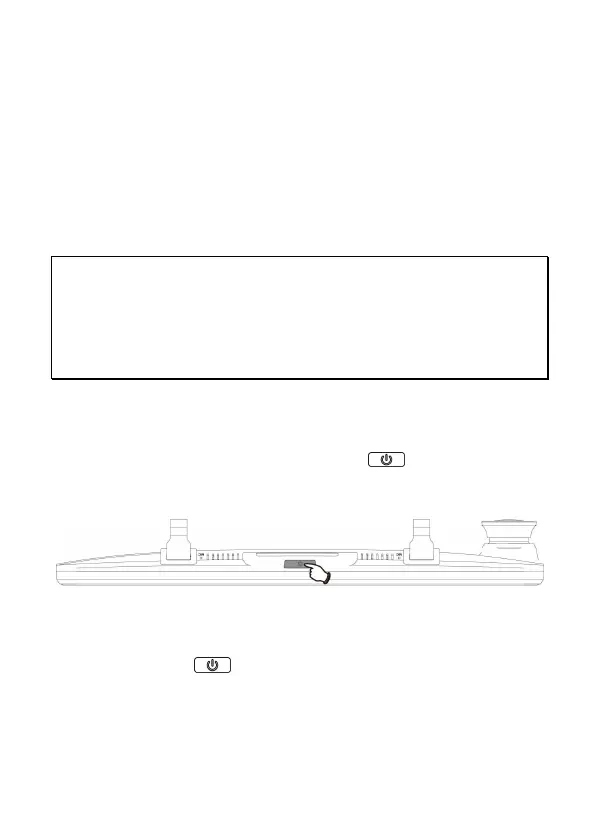
To manually turn on/off the power, long press POWER button for
3 seconds.
2.4.3 Reset the camcorder
To reset, long press POWER button for 8 seconds.


 To Next Page