11
2.5 Initial Settings
2.5.1 Set the Date and Time
We recommend you to set up date and time before initial use.
To set the correct date and time, do the following:
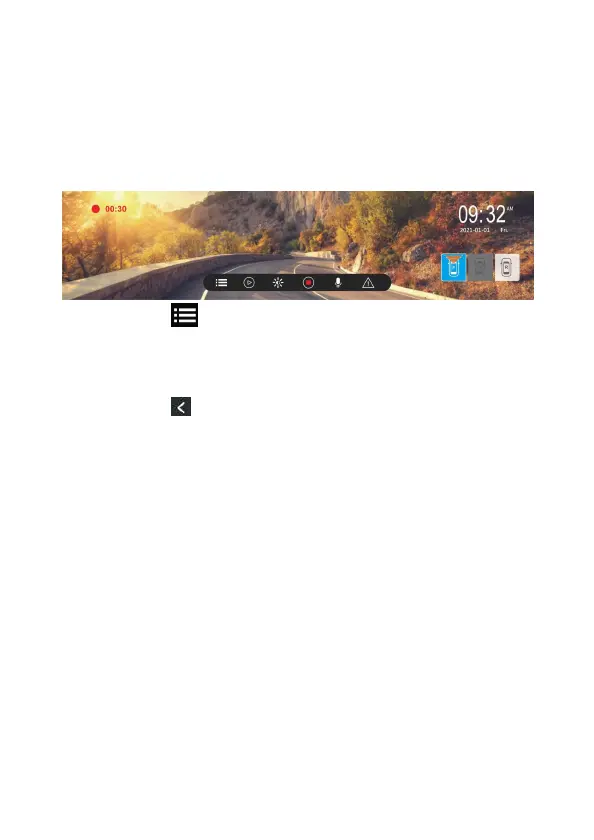
1. In the recording screen, touch the panel to wake up function bar.
2. Touch icon to enter Menu.
3. Slide the sub-menu up and down to select [date/time].
4. Touch [+][-]to change the number, and then touch [OK] to confirm
setting.
5. Touch icon to return to recording screen.


 To Next Page