17
Note:
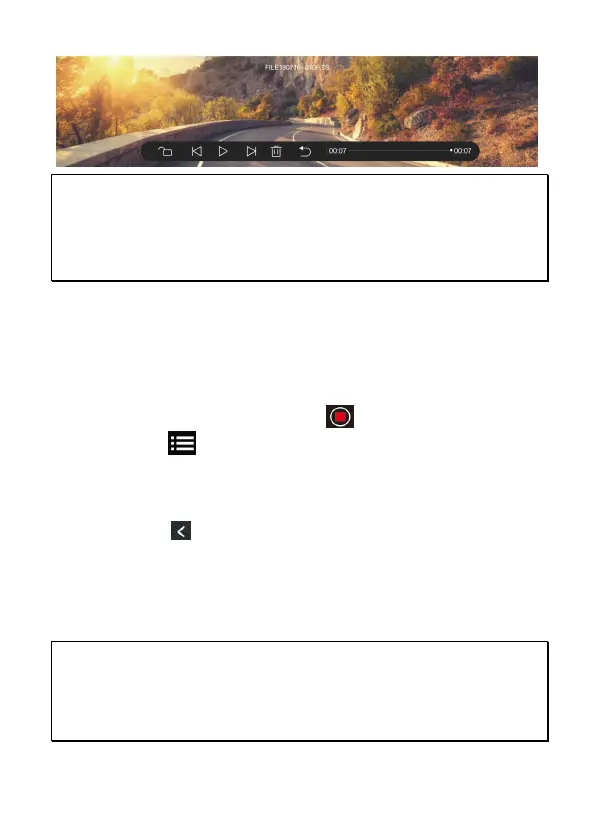
1. Deleted files CANNOT be recovered. Ensure the files you wish to preserve are
backup before deletion.
2. Use dual cameras or triple cameras recording, if you delete only FRONT file or REAR
file or MIDDLE file, the other files will still remain existing and be able to playback, too.
3.6 Parking Mode
To monitor the vehicle when it is parked, you can activate Parking Mode.
Before activate Parking Mode, please install ACC Cable through
professional car shop.
Follow the steps below to activate Parking Mode,
1. In the recording screen, touch icon to stop recoding, and
touch icon to enter menu. Touch [Settings] sheet to enter
Settings.
2. Slide the screen to choose Parking Mode option, touch the option to
enter , and touch [On] to activate the function.
3. Touch icon to return to recording screen.
4. When car’s engine is turned off, the camcorder will enter Parking
Mode automatically and start time-lapse recording.
5. When collision is detected during parking mode, the camcorder will
automatically trigger the emergency recording. The emergency
recording will not be overwritten by the normal loop recording files.
Note:
1. ACC Cable is not included in the package. Please consult the dealer for purchase and
seek for specific professional store for installation.
2. Files recorded in Parking Mode are saved in Video folder. When the event triggered,
the files will be saved in Emergency folder.


 To Next Page